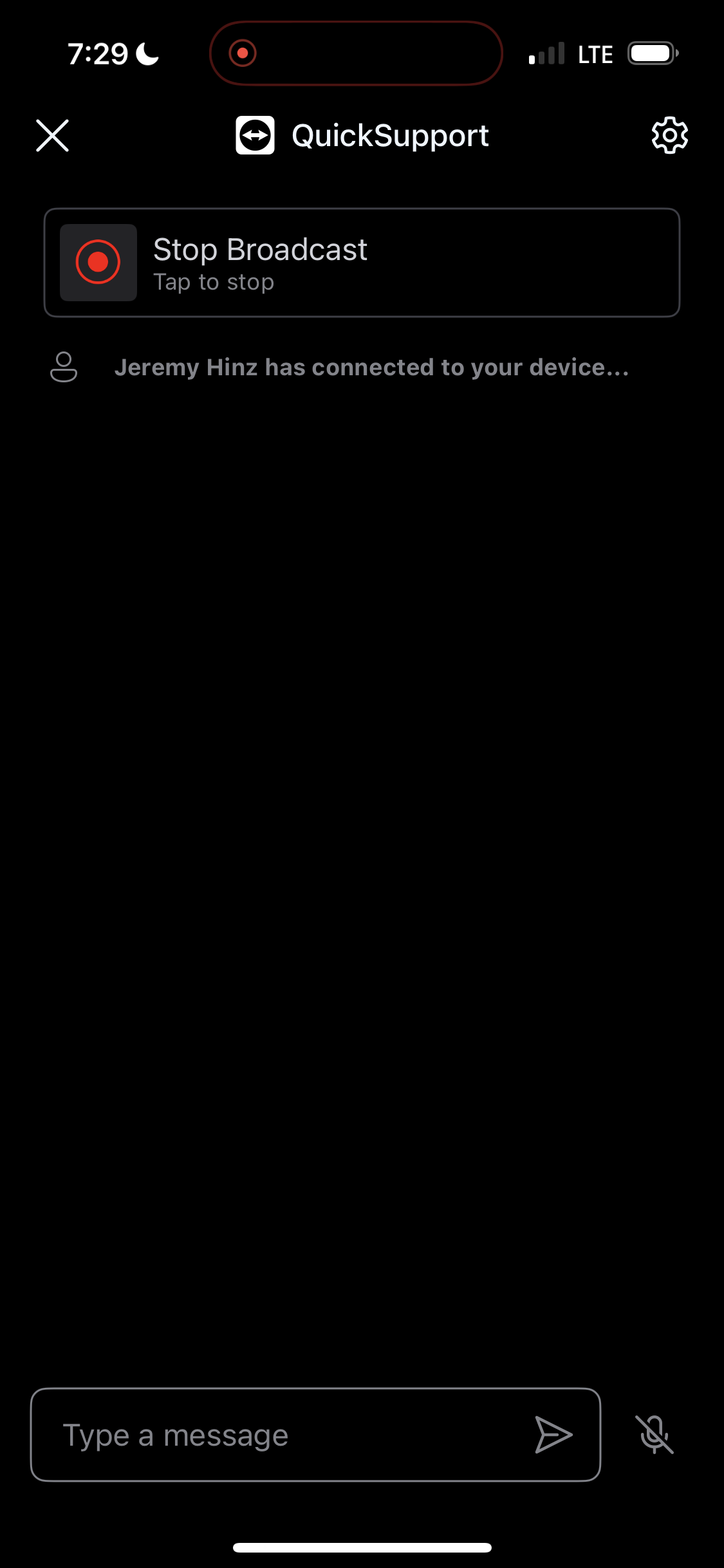
QuickSupport
iPhone Instructions
These steps are easier to follow from a computer or tablet as you walk through the phone support.
Step 1
Click the Download Button

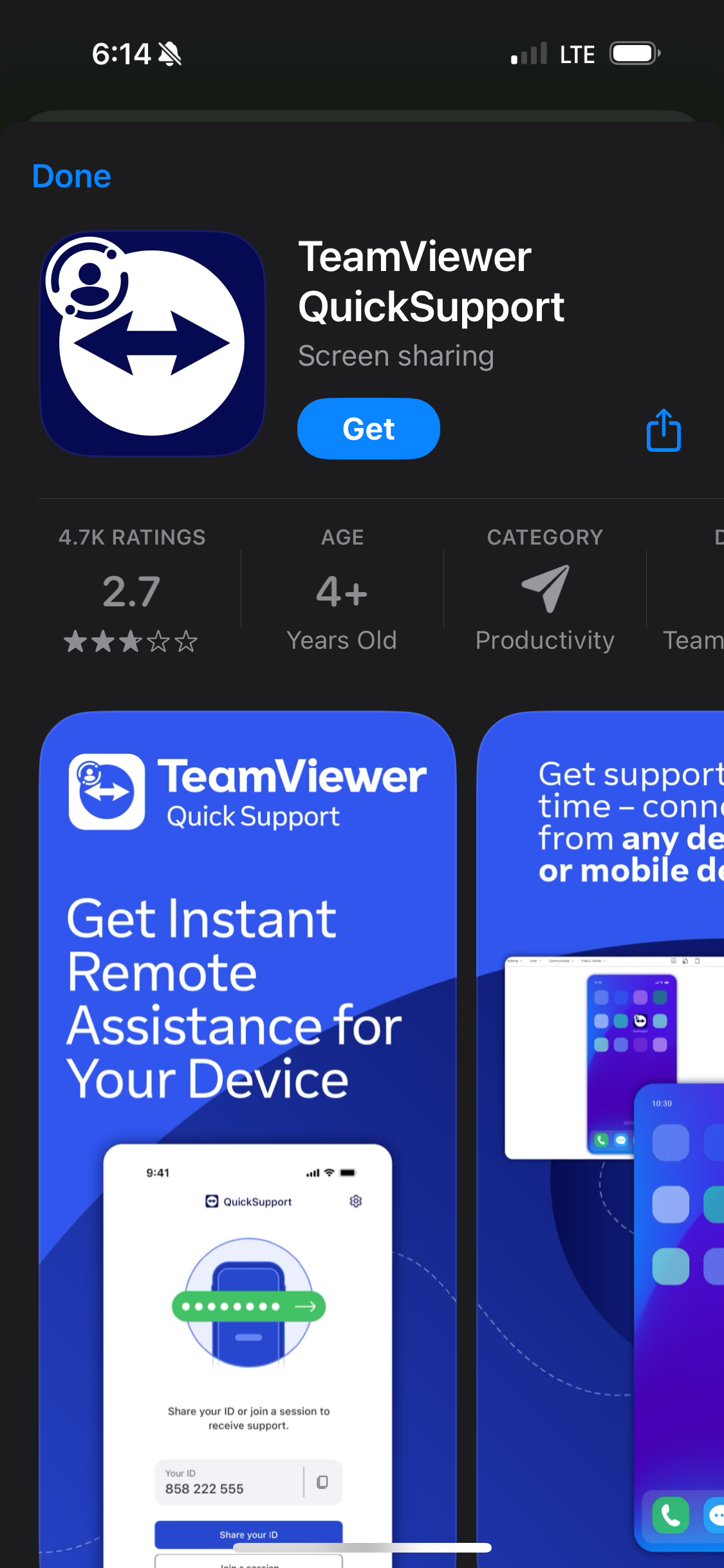
Step 2
Tap "Get"
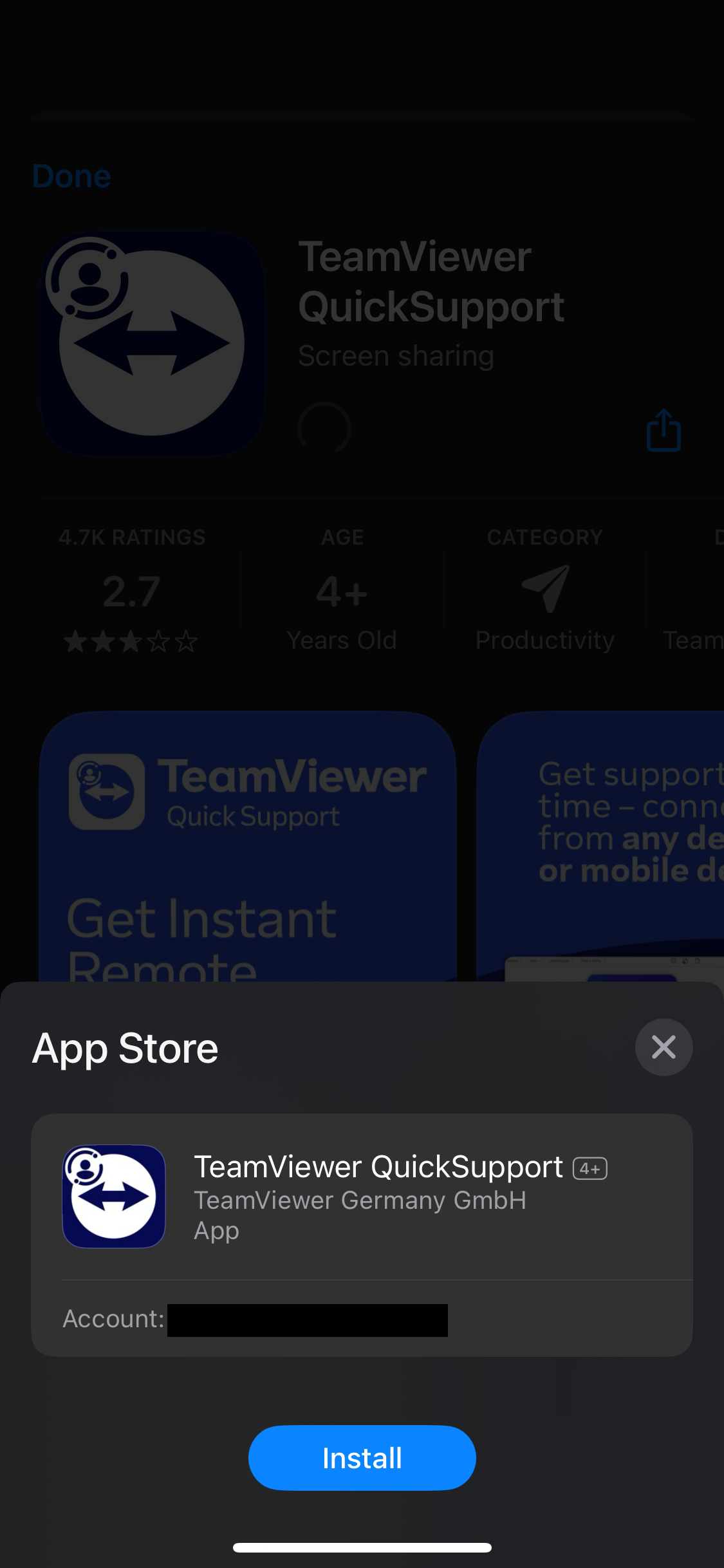
Step 3
Tap "Install"
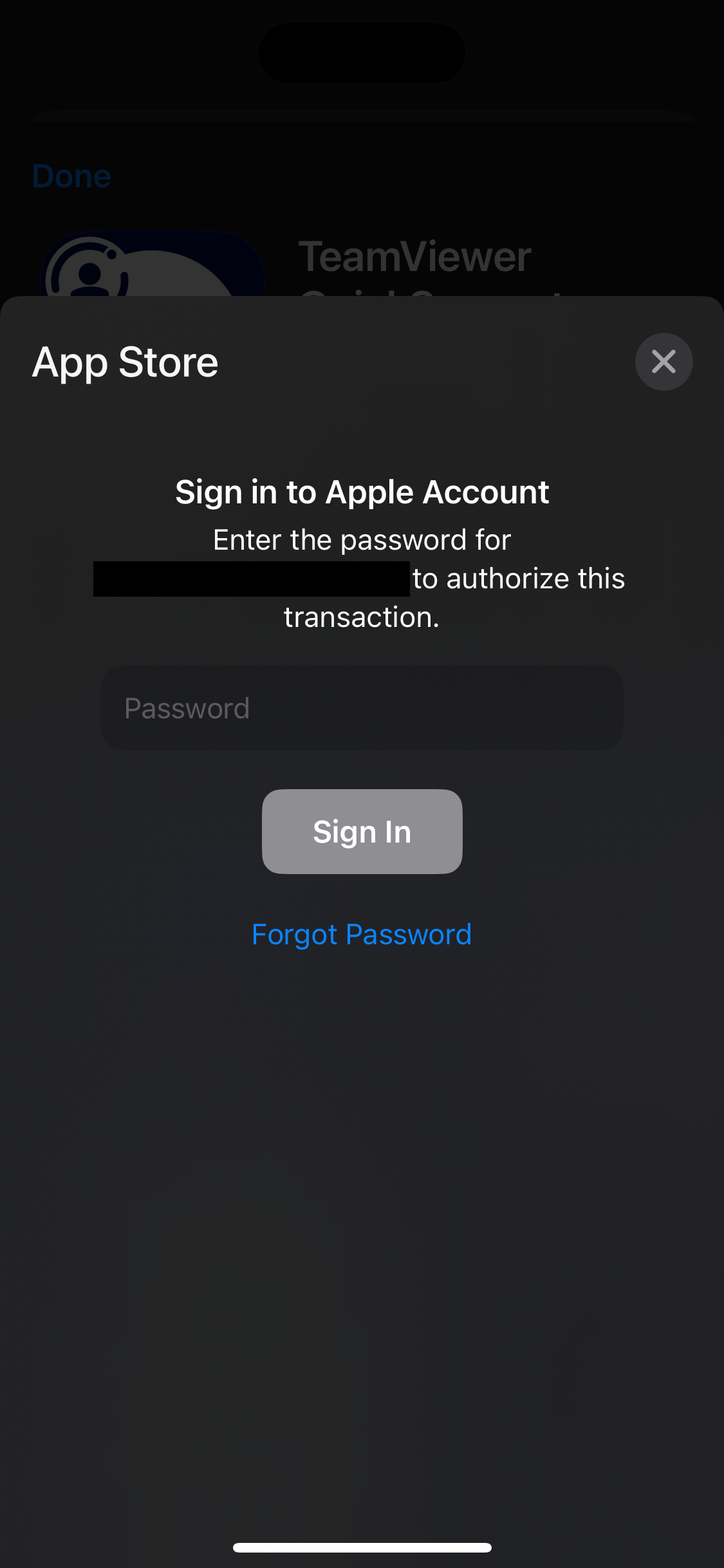
Step 4
Enter your Apple Account password and tap Sign In
Step 5
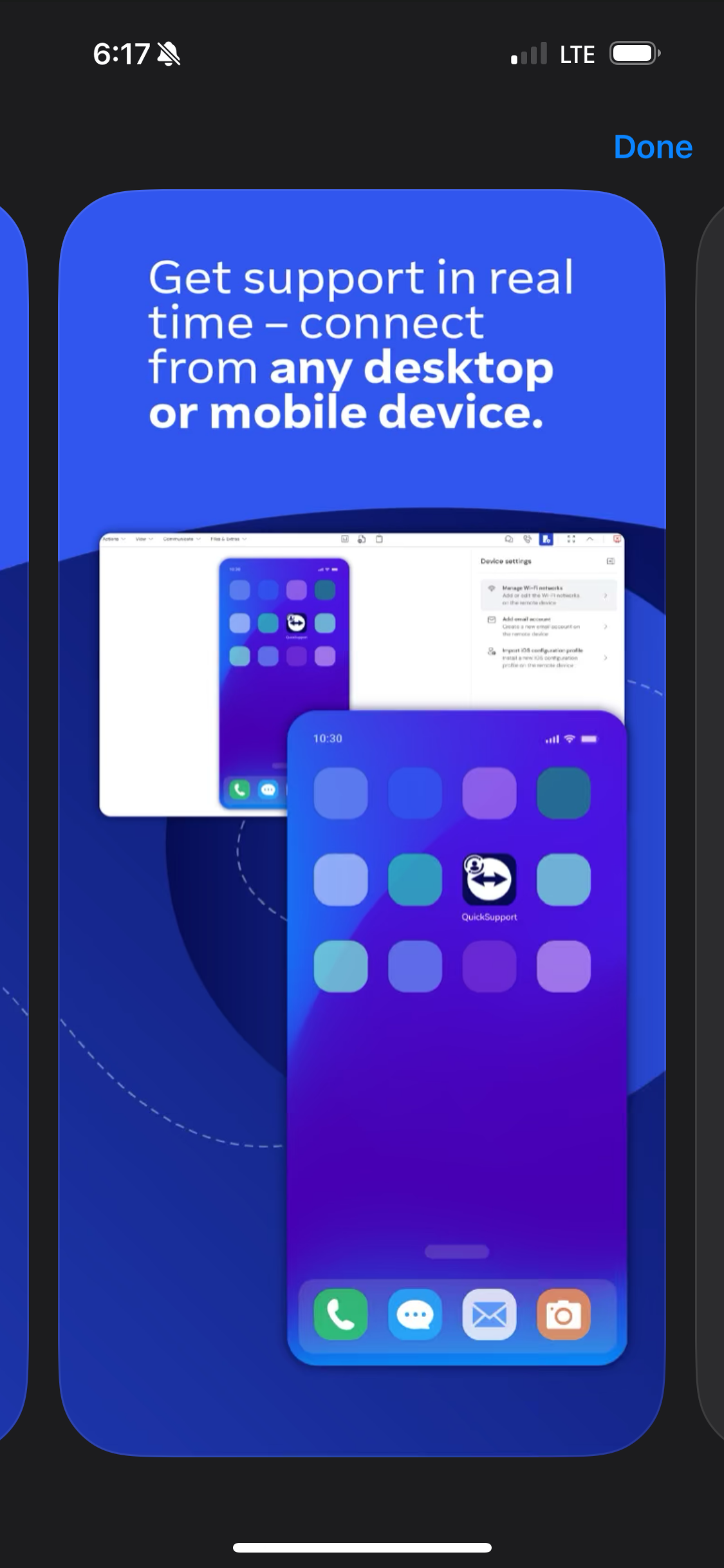
Tap "Done" in the
upper right corner
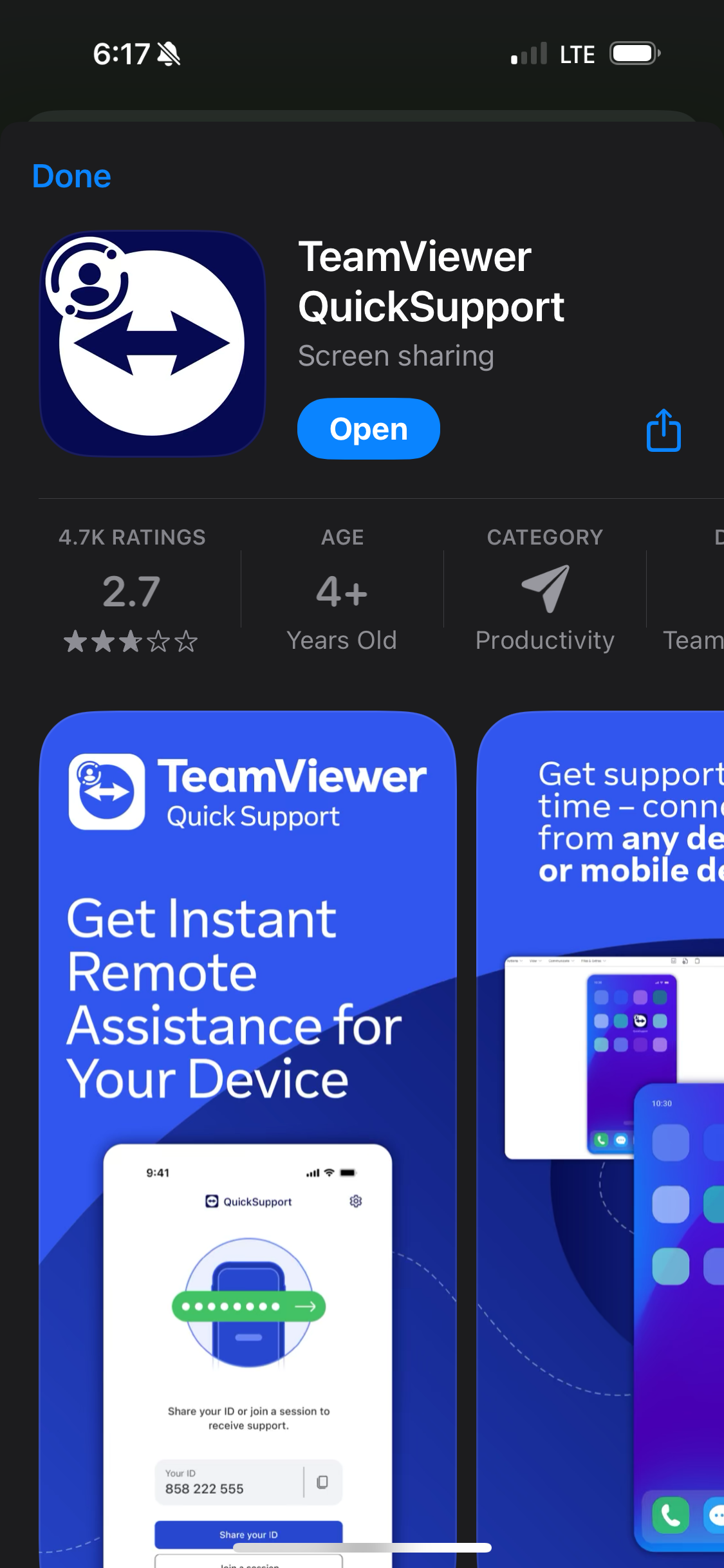
Step 6
Tap "Open"
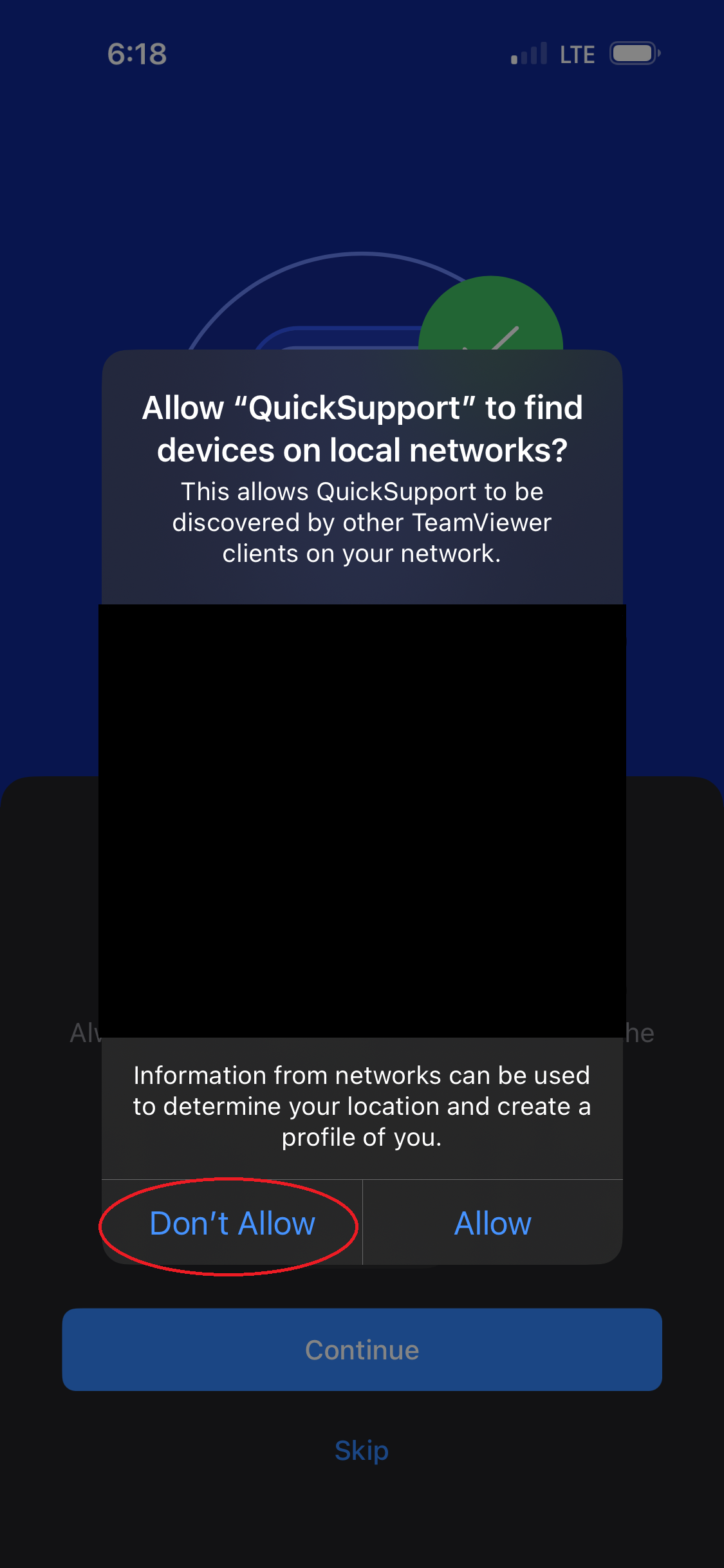
Step 7
Tap "Don't Allow"
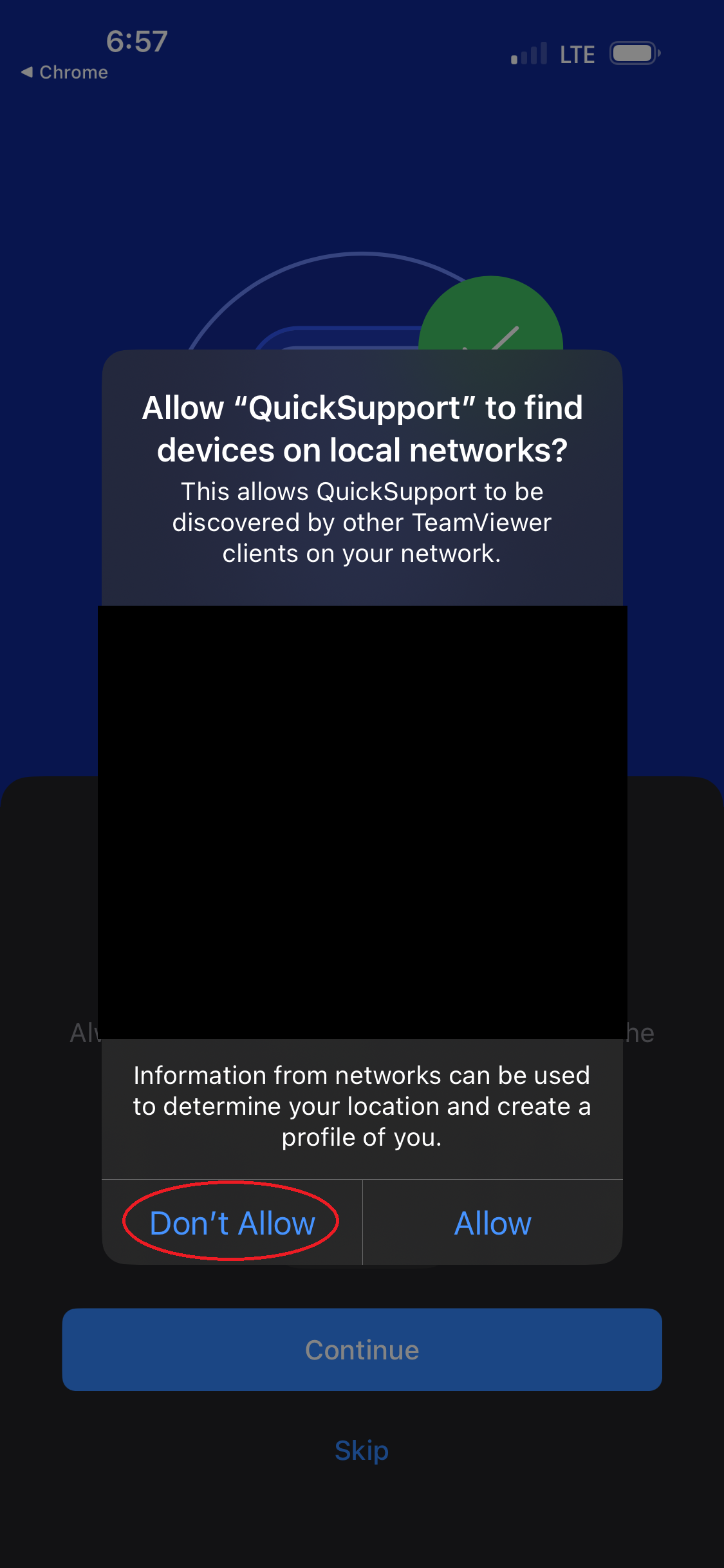
Step 8
Tap "Don't Allow"
Step 9
Tap "Don't Allow"
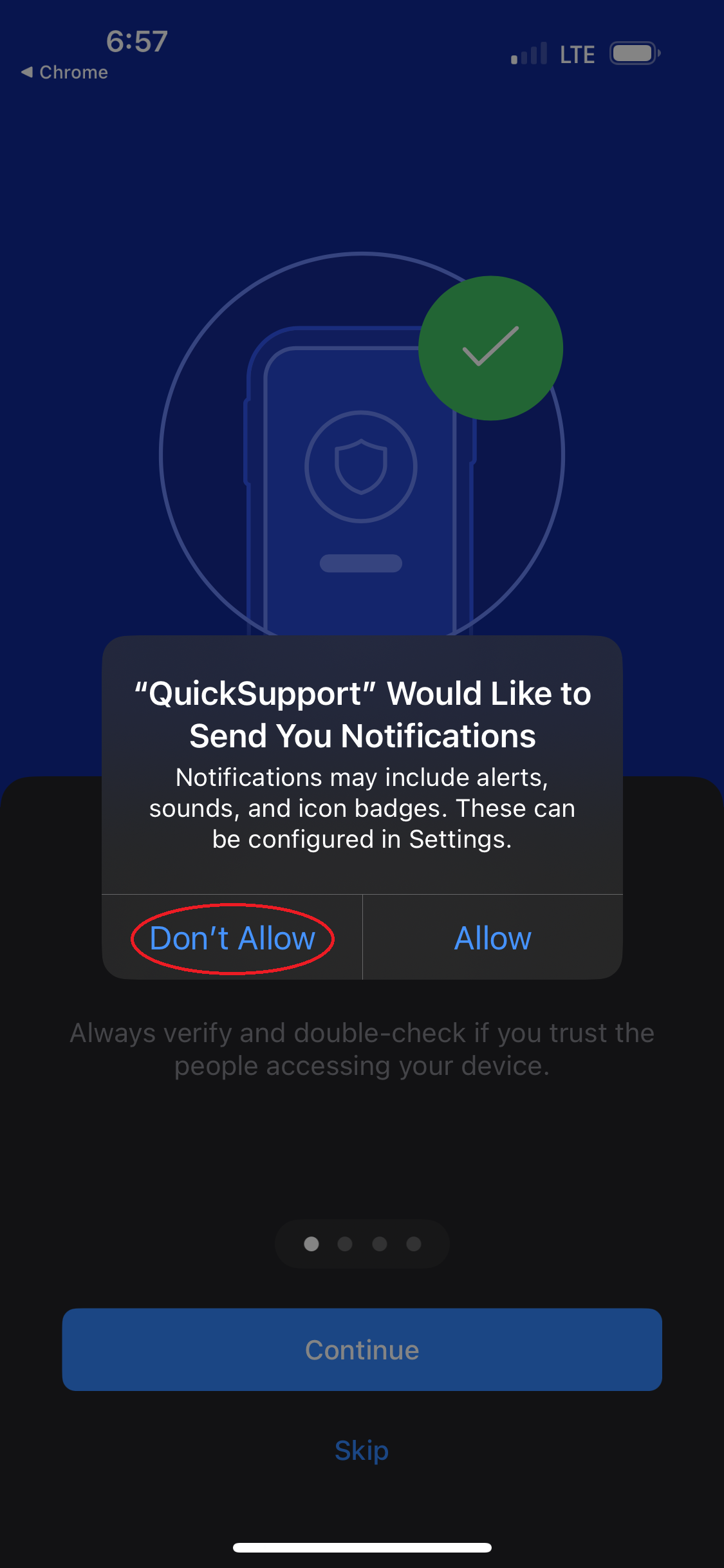
Step 10
Tap "Continue"
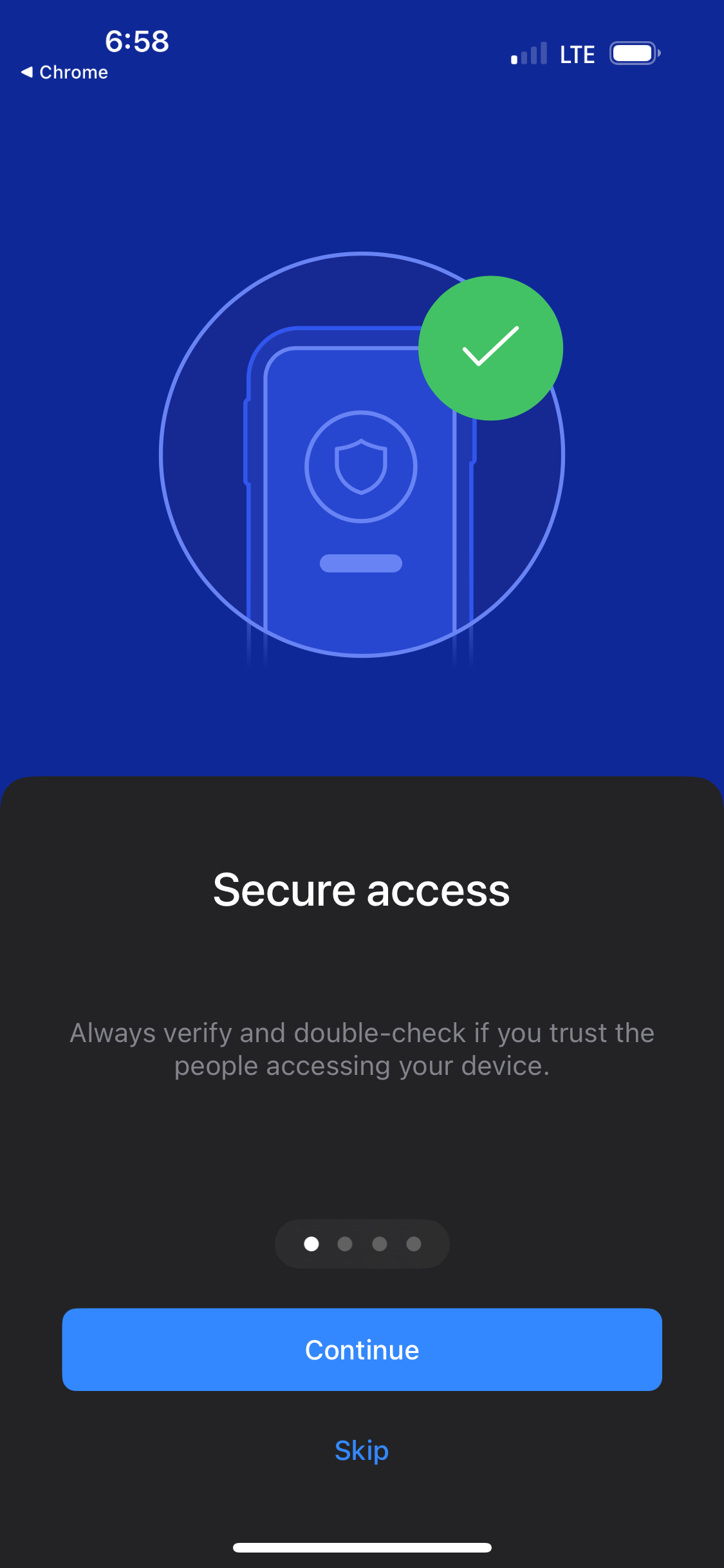
Step 11
Tap "Continue"
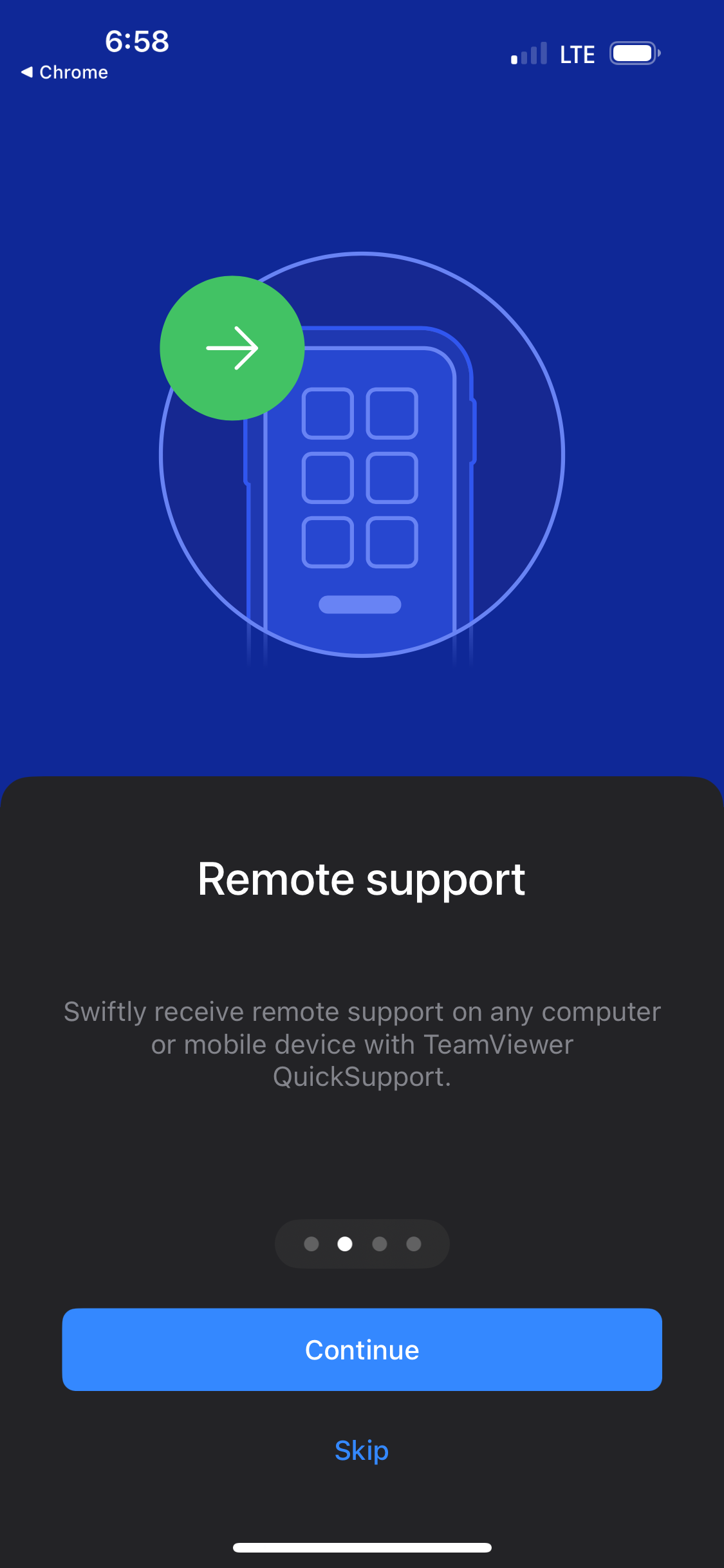
Step 12
Tap "Continue"
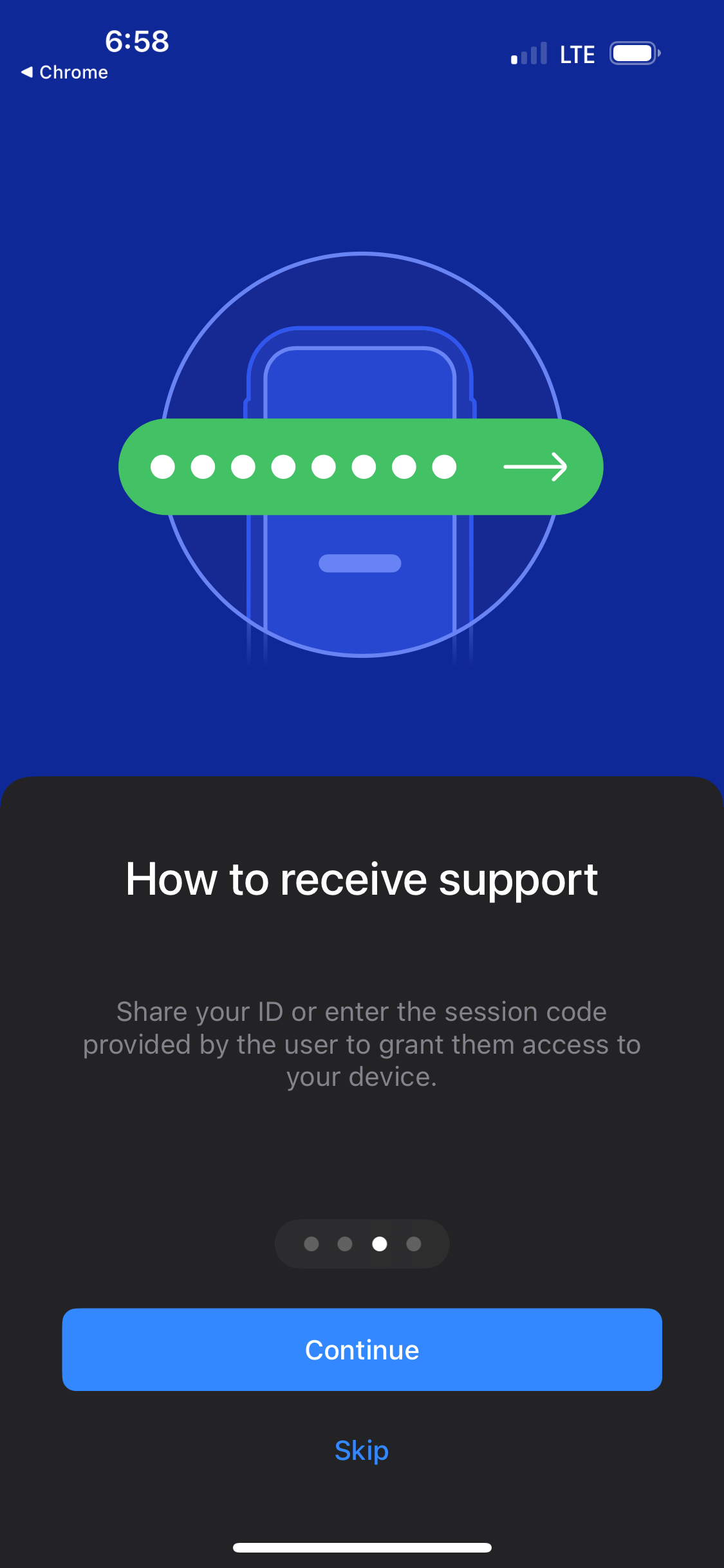
Step 13
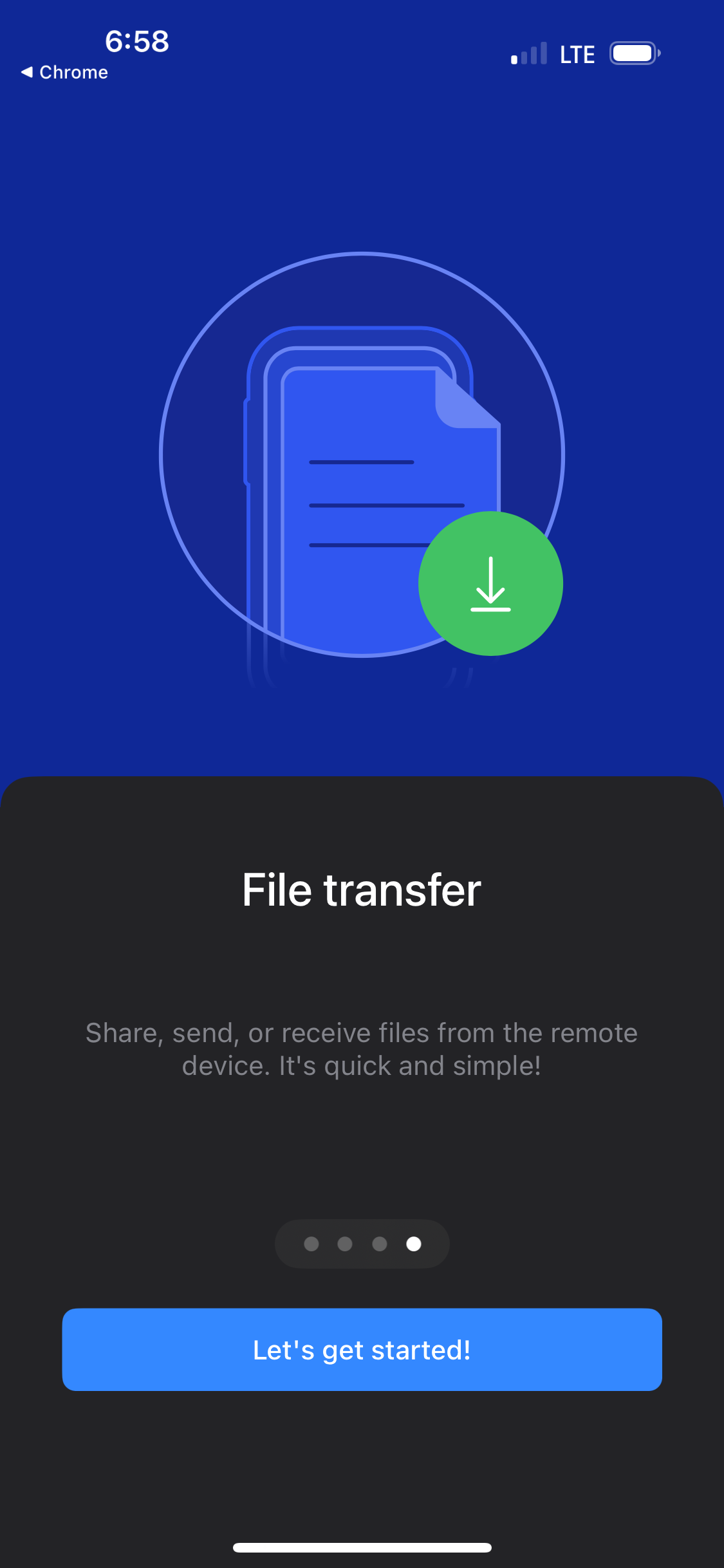
Tap "Let's get started!"
Step 14
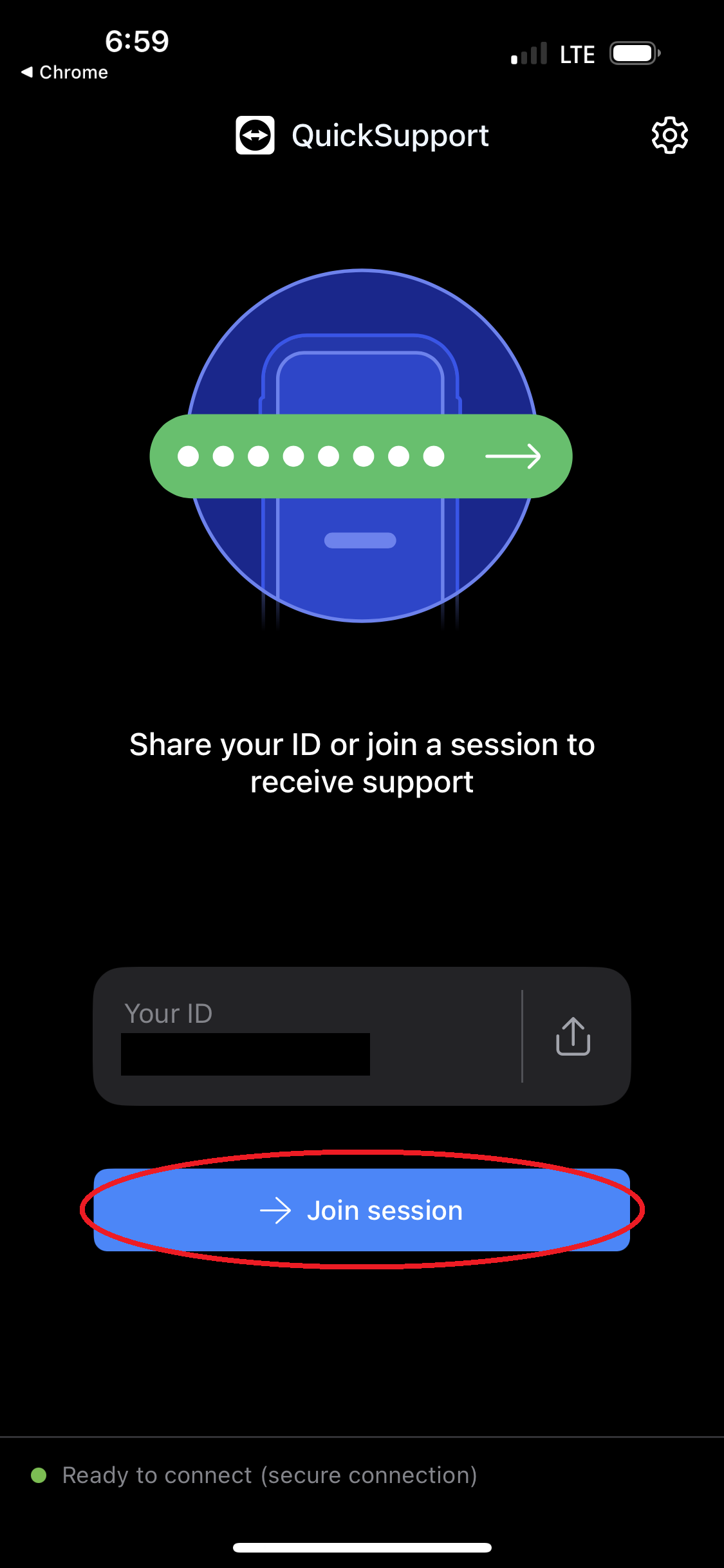
Tap "Join Session"
Step 16
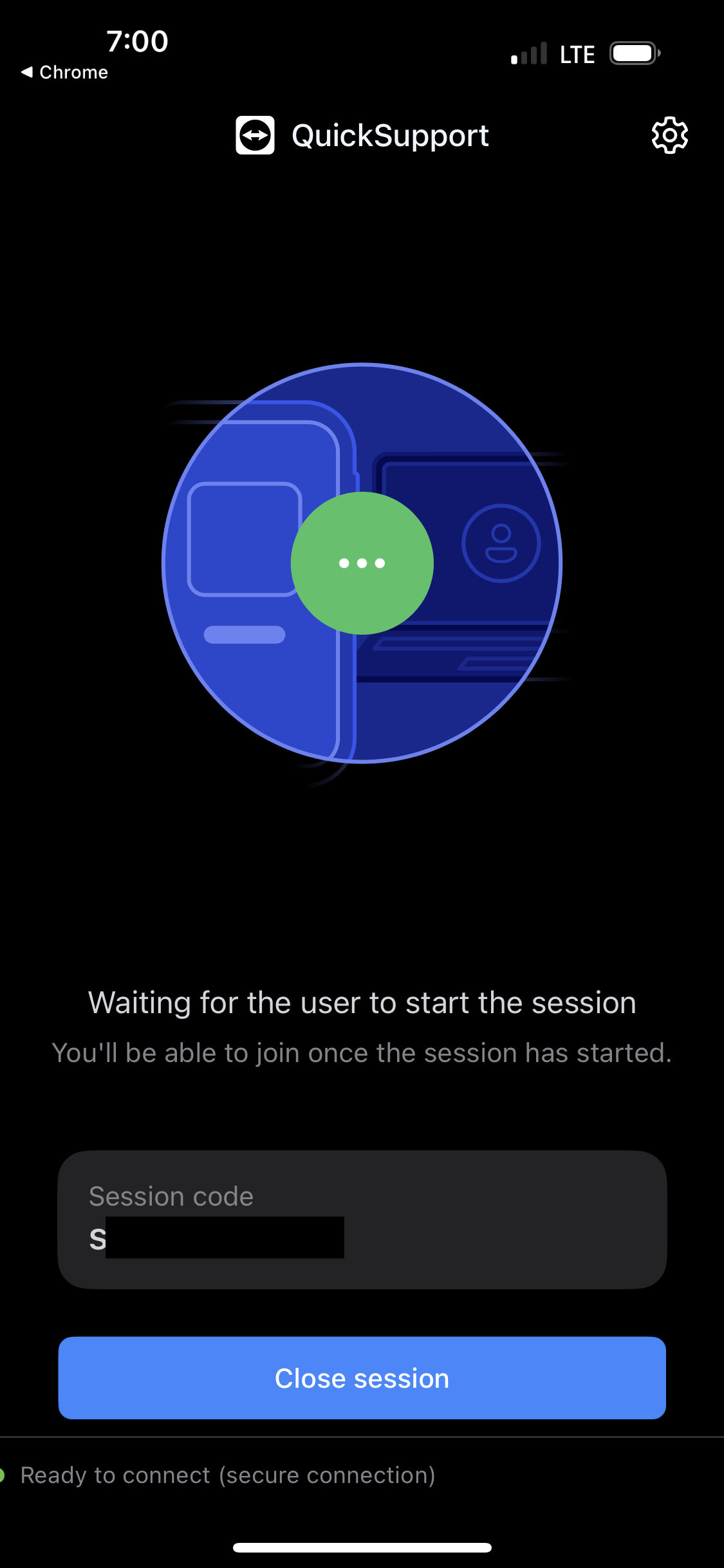
Wait while the technician connects to your phone.
Step 17
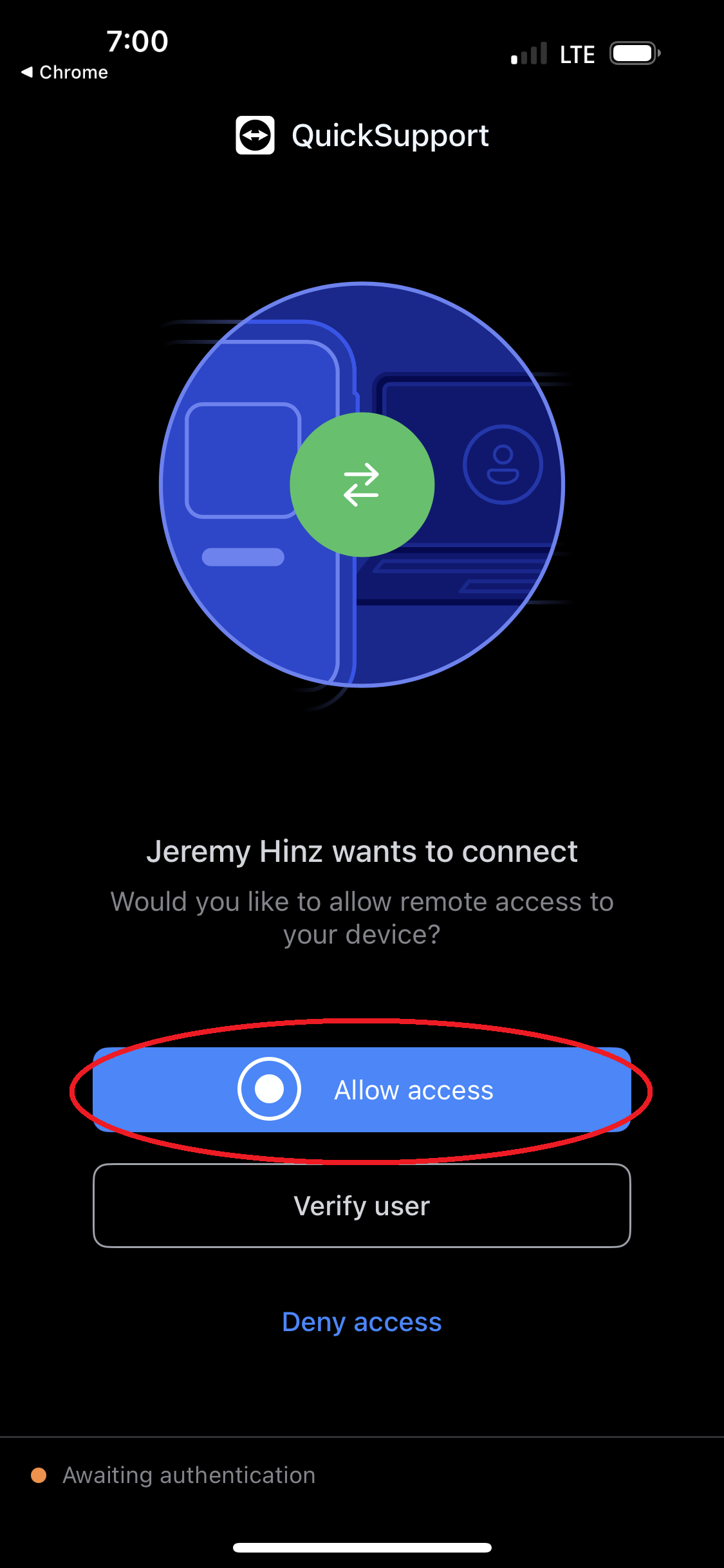
Tap "Allow Access"
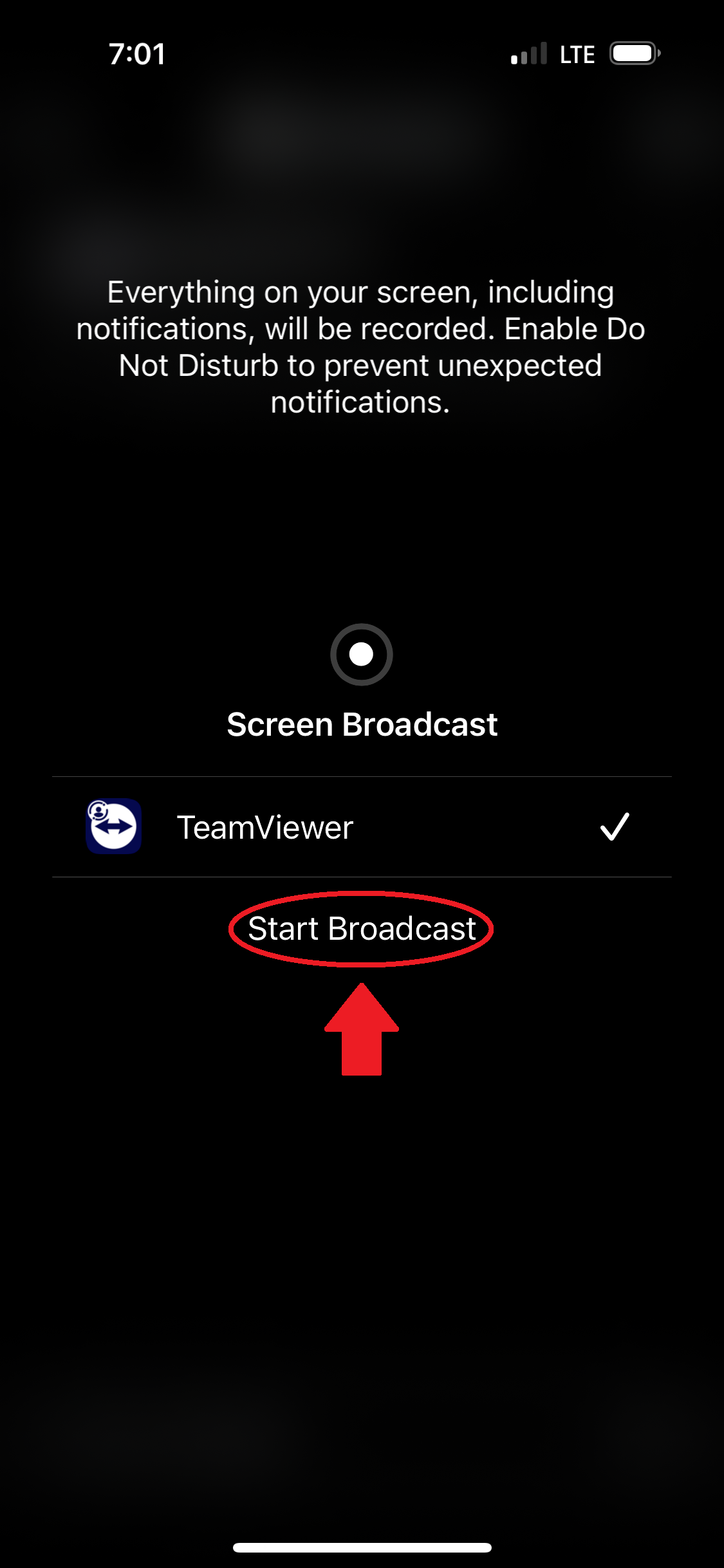
Step 18
Tap "Start Broadcast"
Step 19
Swipe up
to return to your phone