QuickSupport
Android Phone Instructions
These steps are easier to follow from a computer or tablet as you walk through the phone support.
Step 1
Click the Download Button

Step 2
Press "Install"
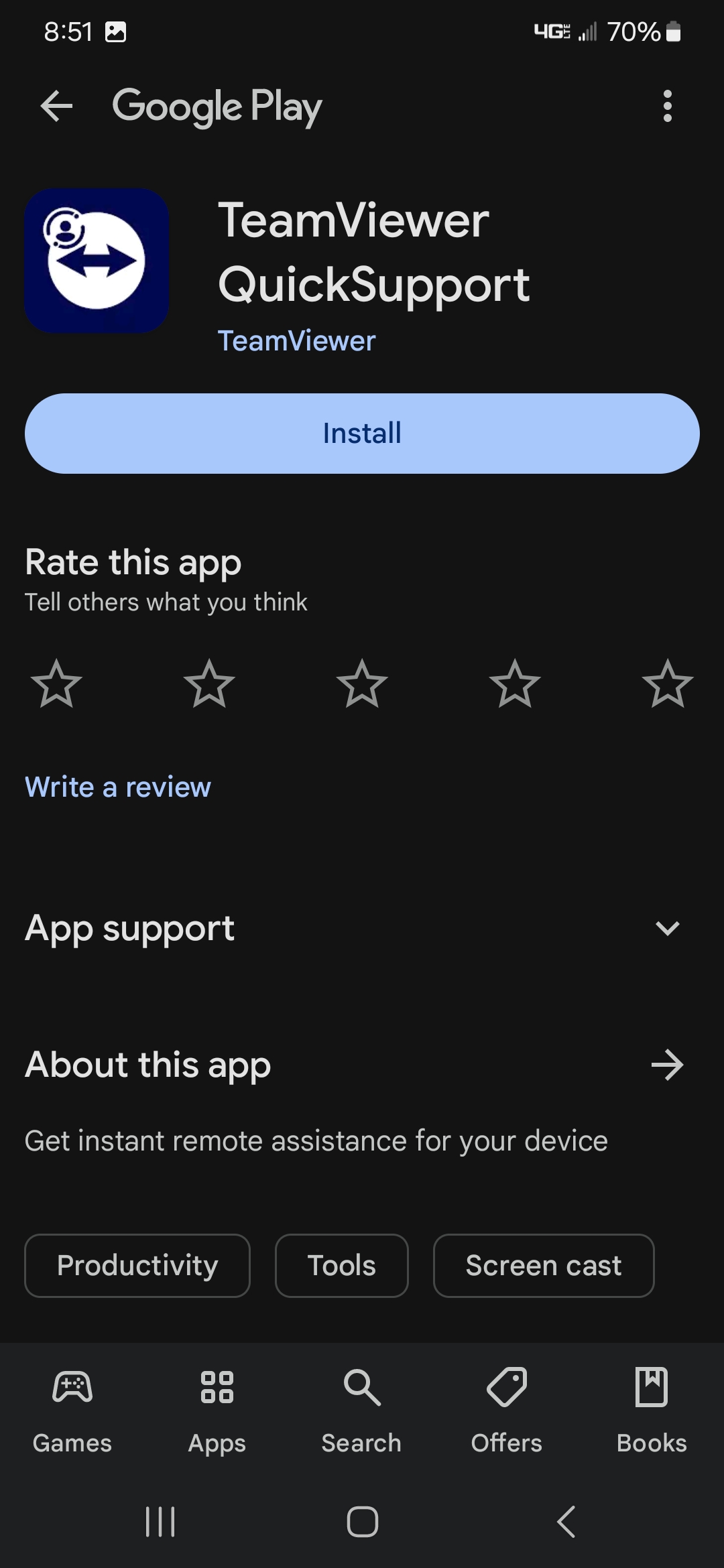
Step 3
Press "Open"
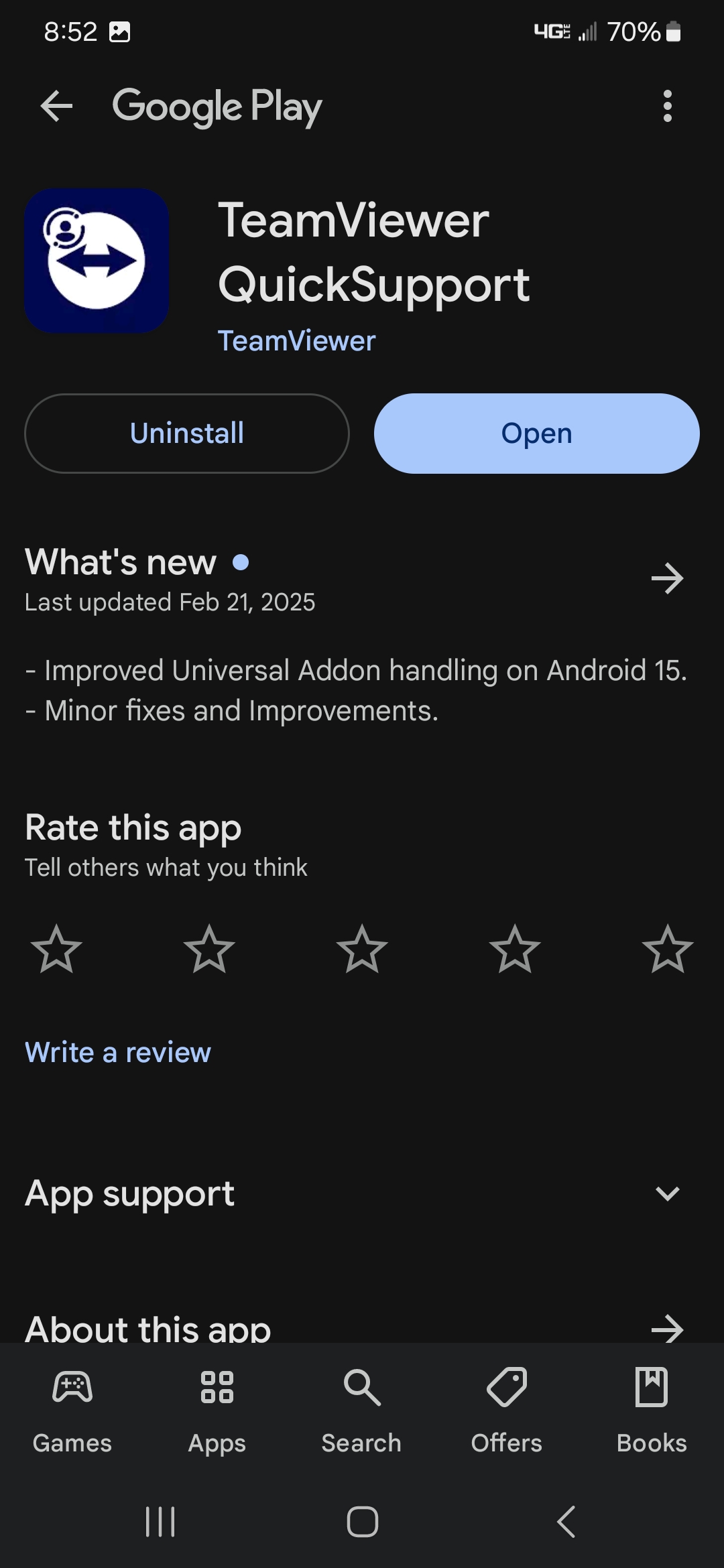
Step 4
Press "Not Now"
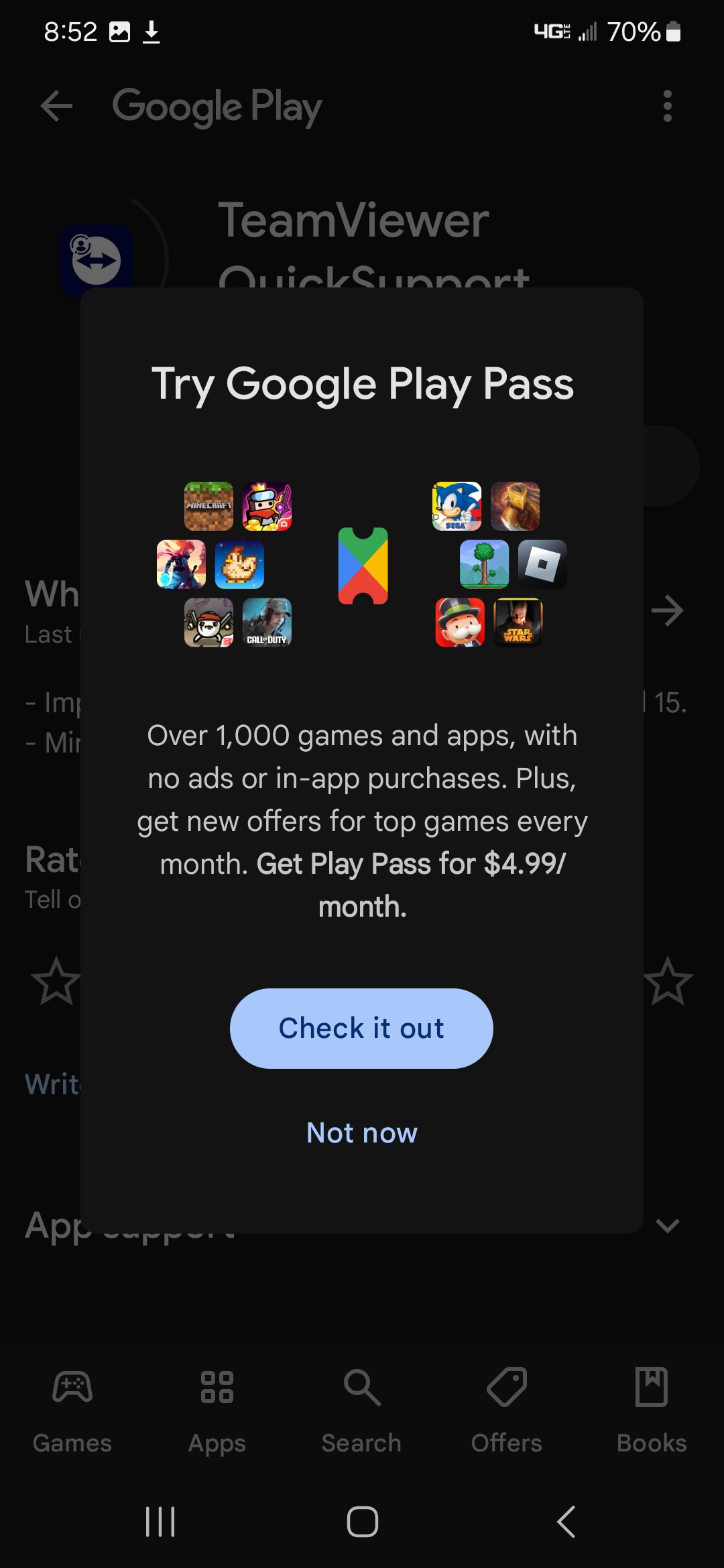
Step 5
Press "Agree and Continue"
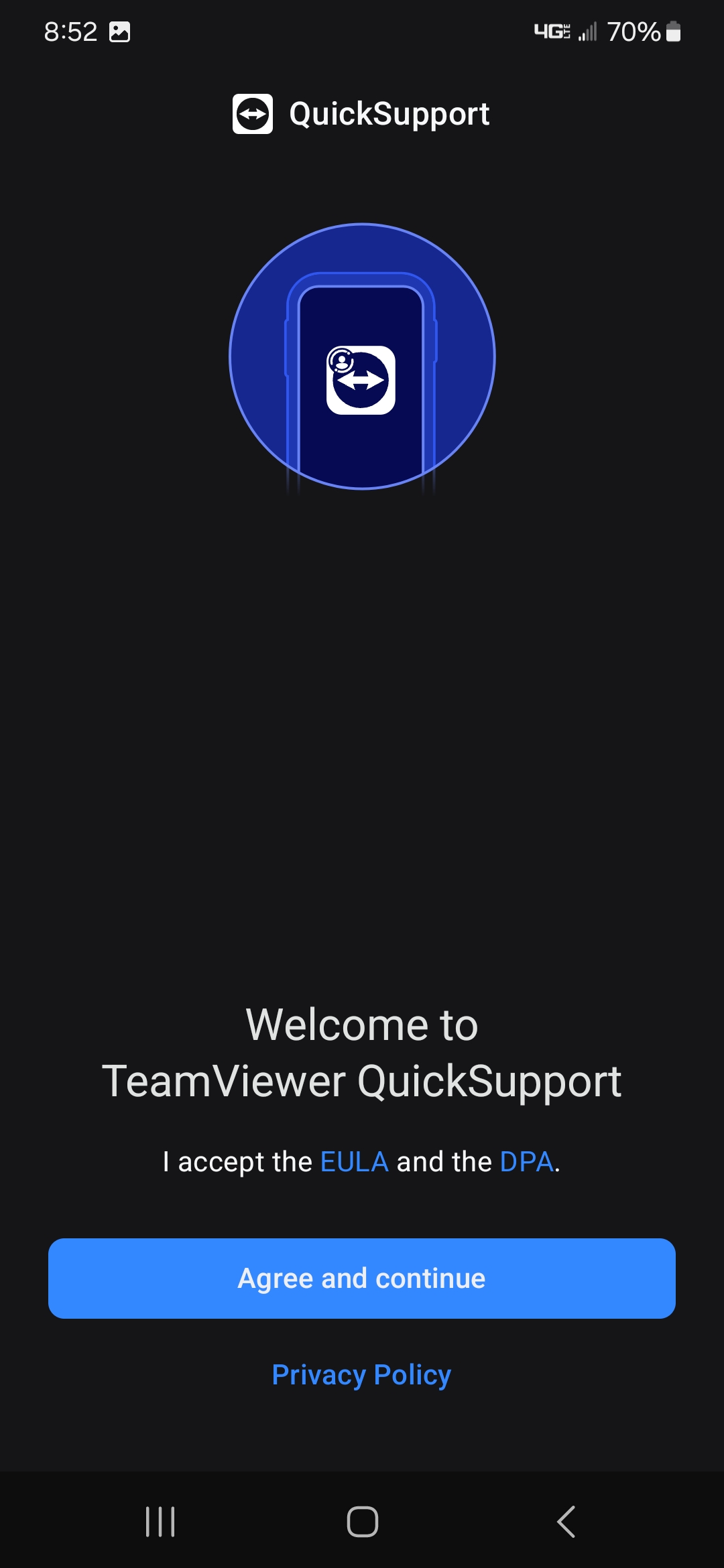
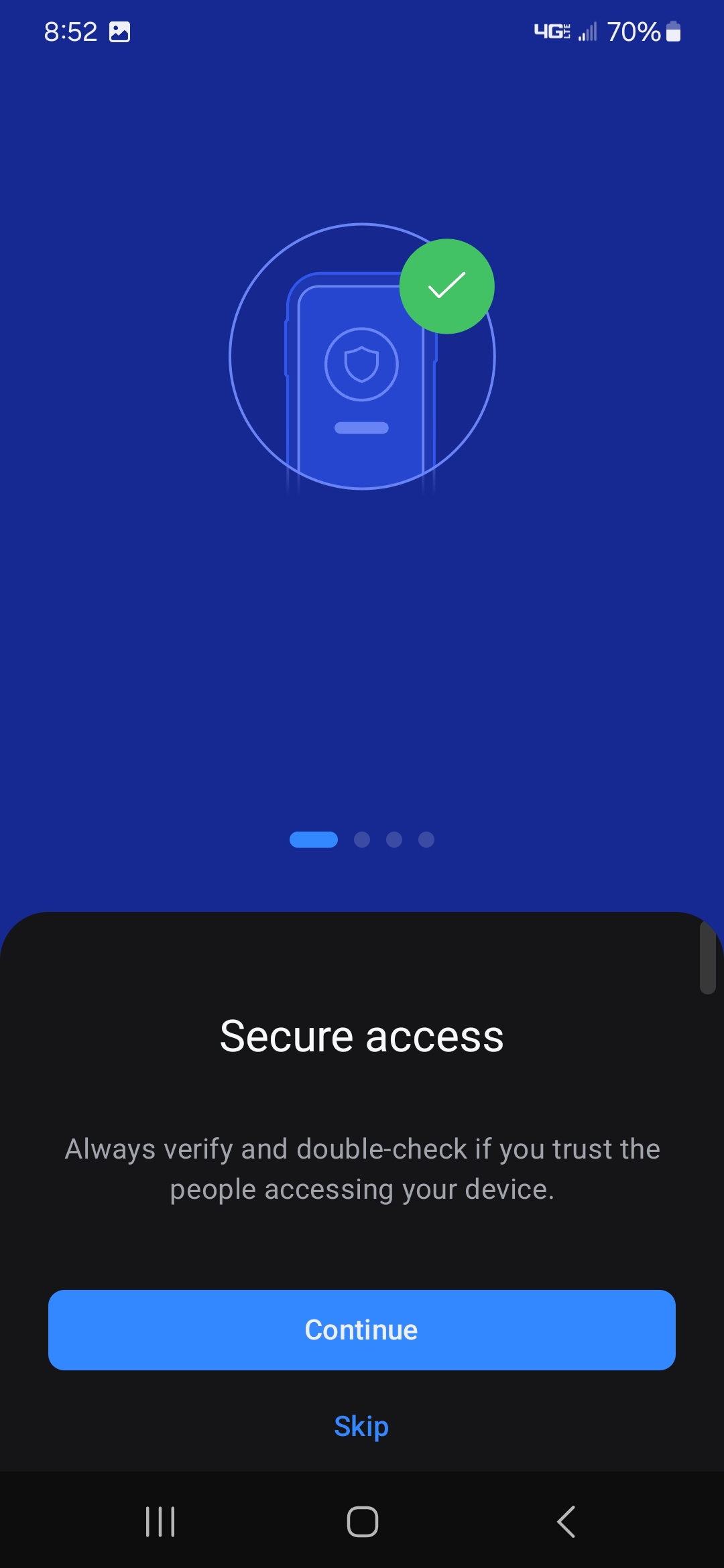
Step 6
Press "Continue"
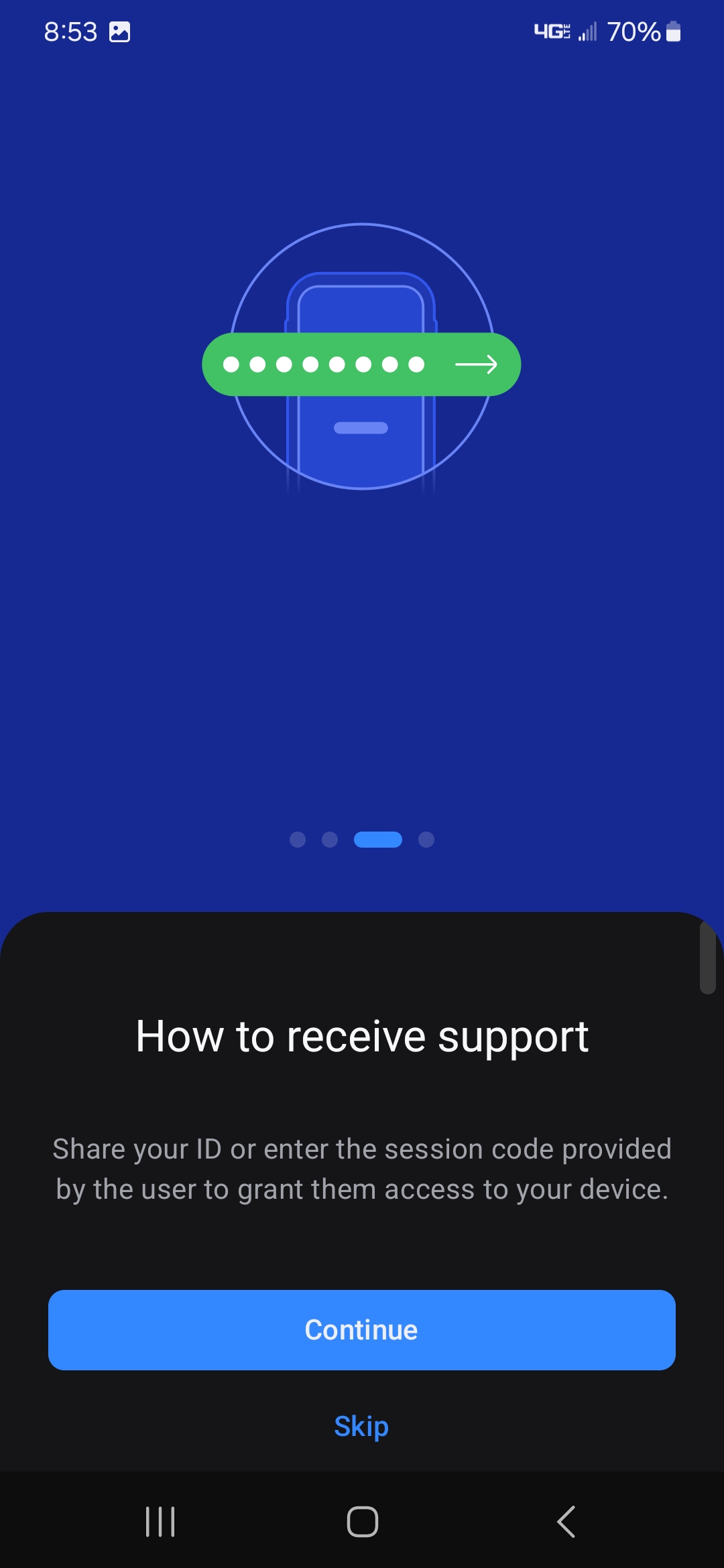
Step 7
Press "Continue Again"
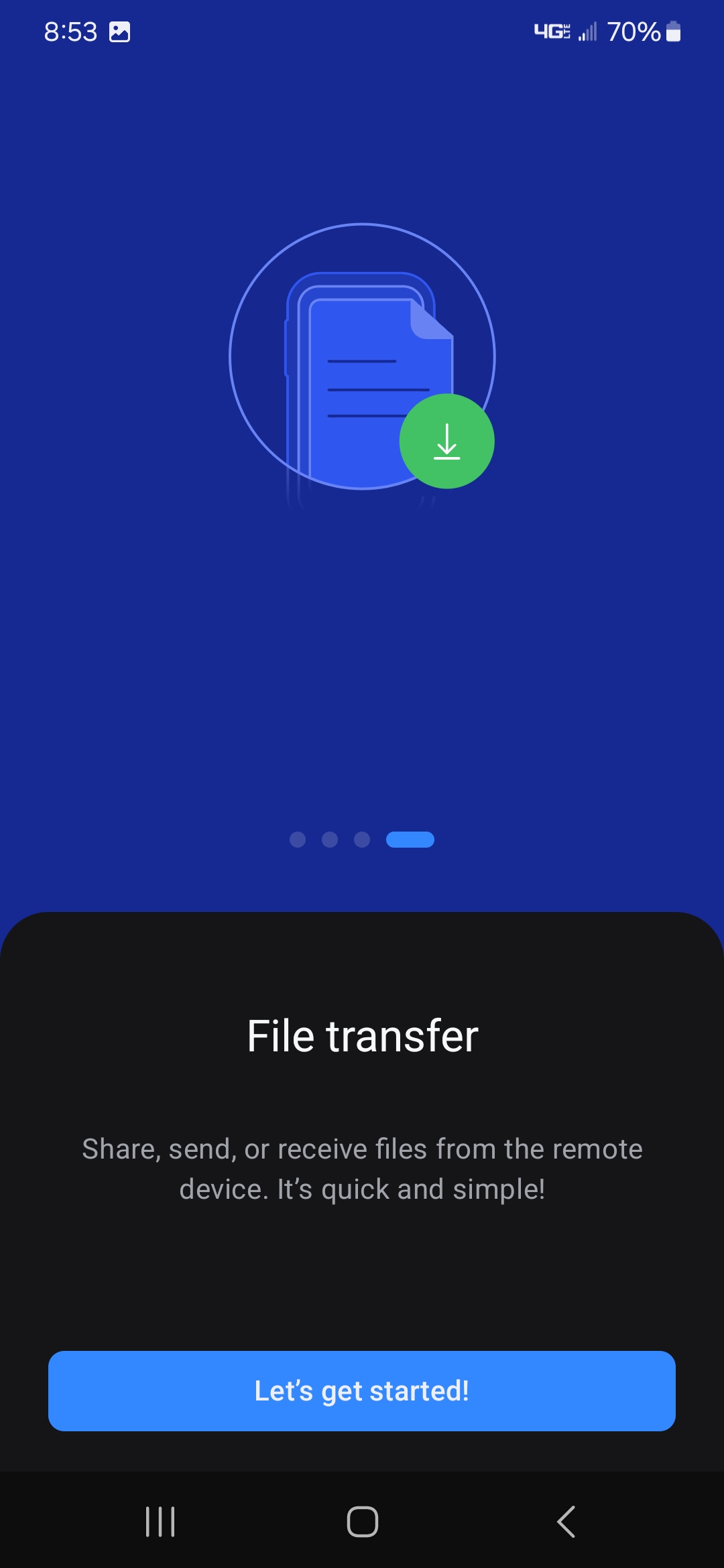
Step 8
Press "Let's get started"
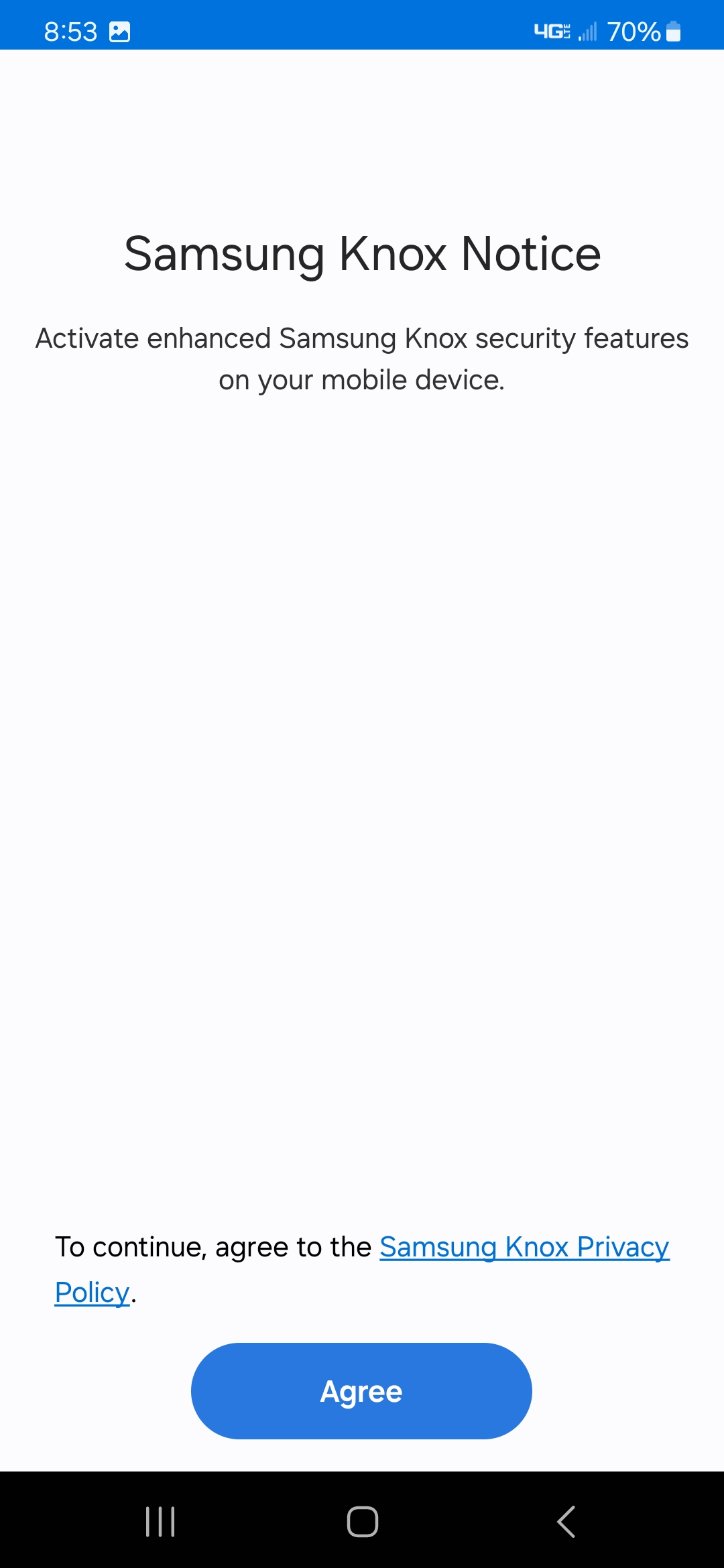
Step 9
If you receive a prompt like this, Press "Agree"
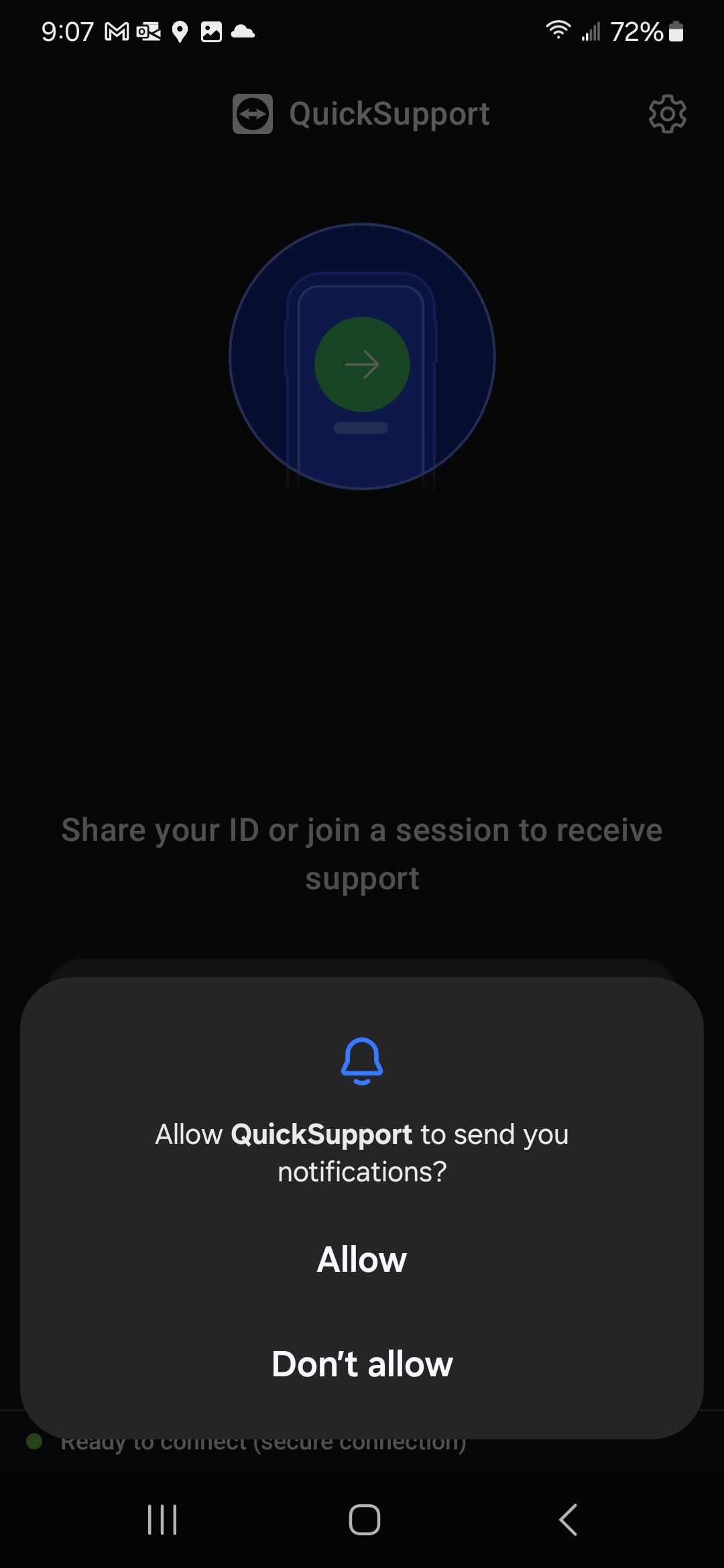
Step 10
Press "Allow"
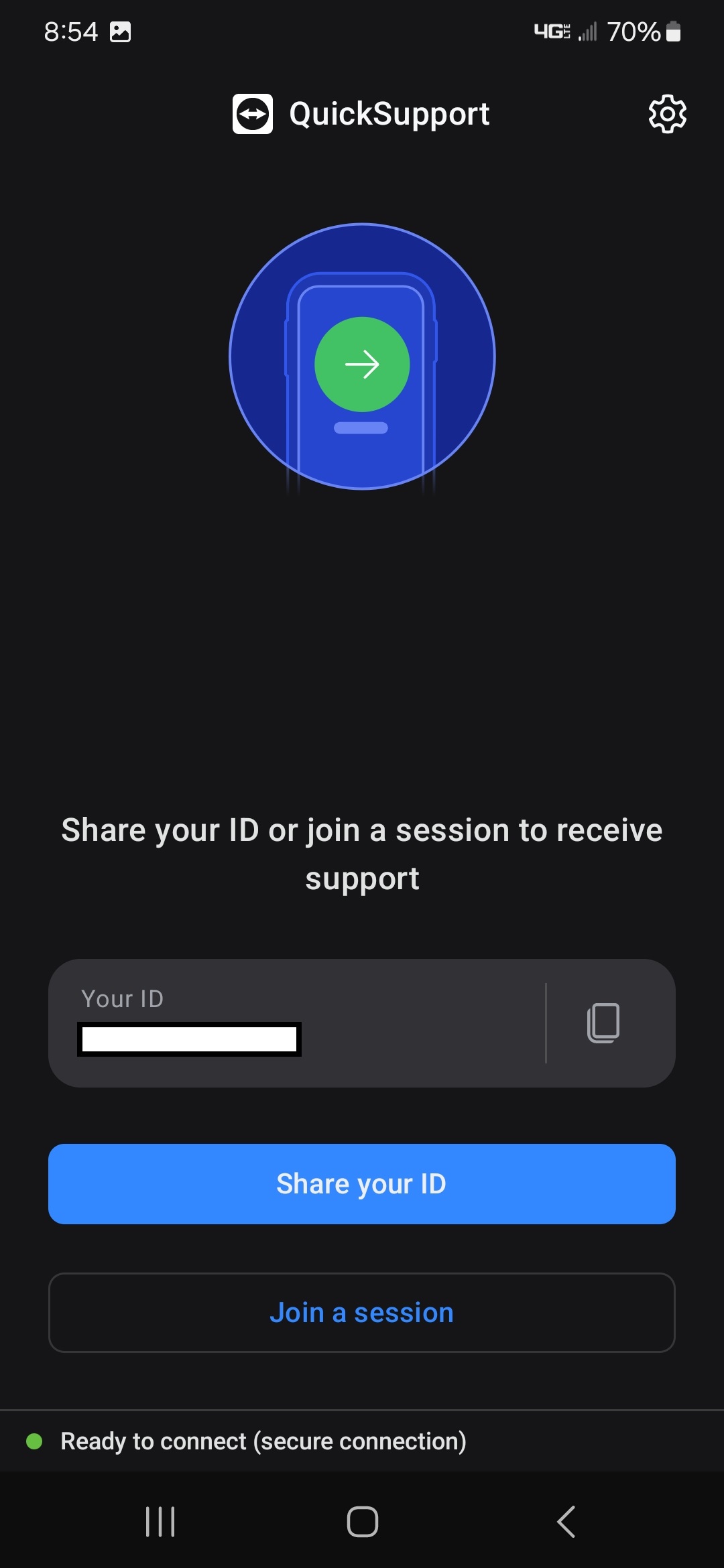
Step 11
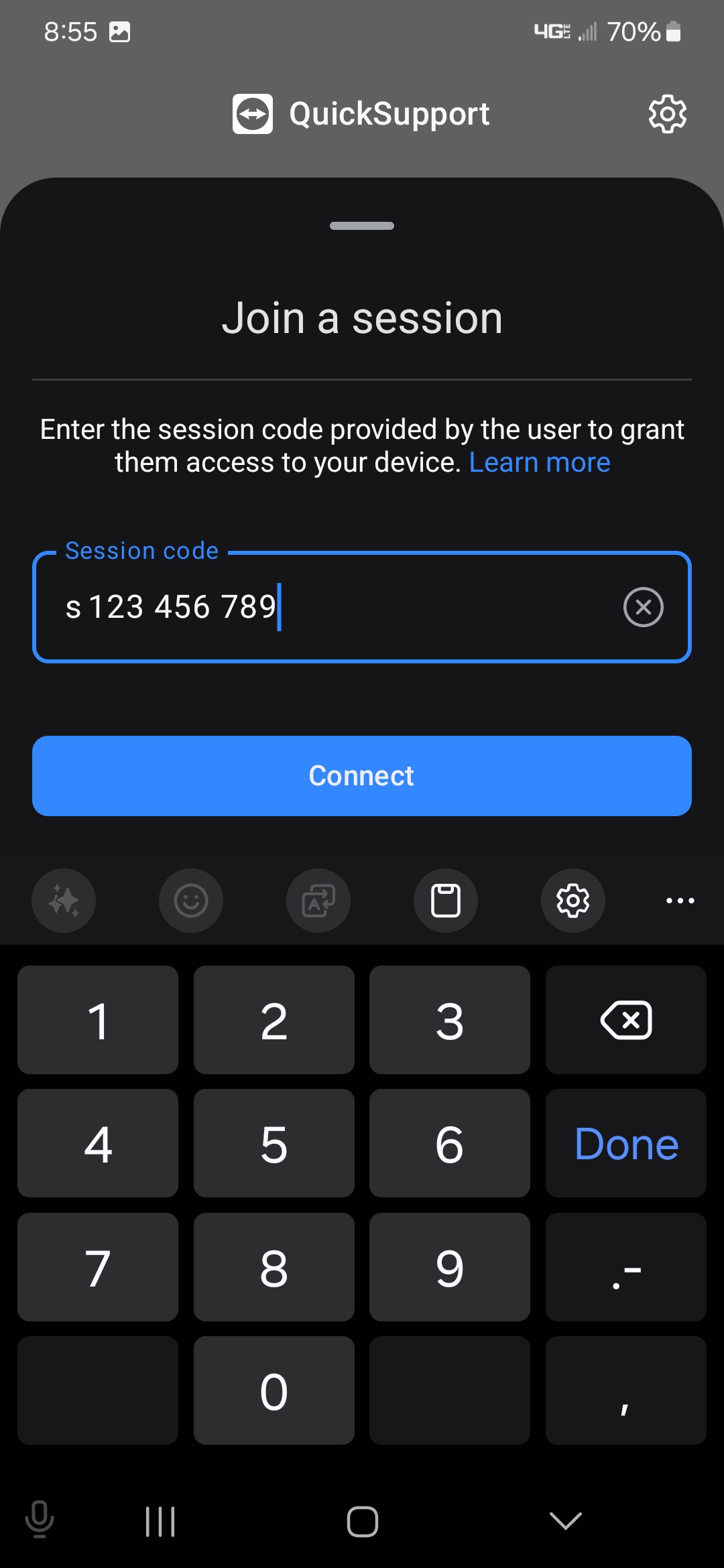
Press "Join a session"
Step 12
Press inside the Session code box
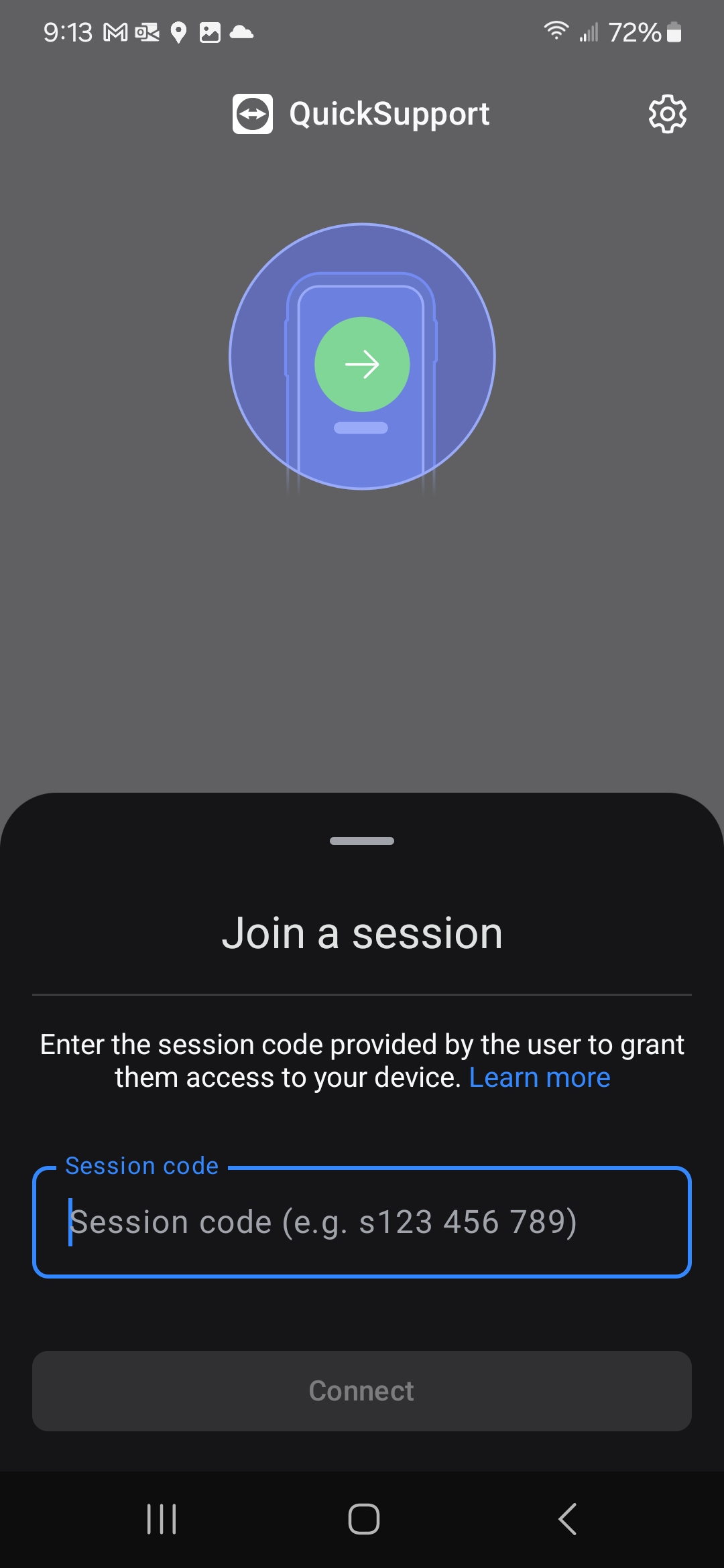
Step 13
Enter the session code provided by the IT Technician and press "Connect"
Step 14
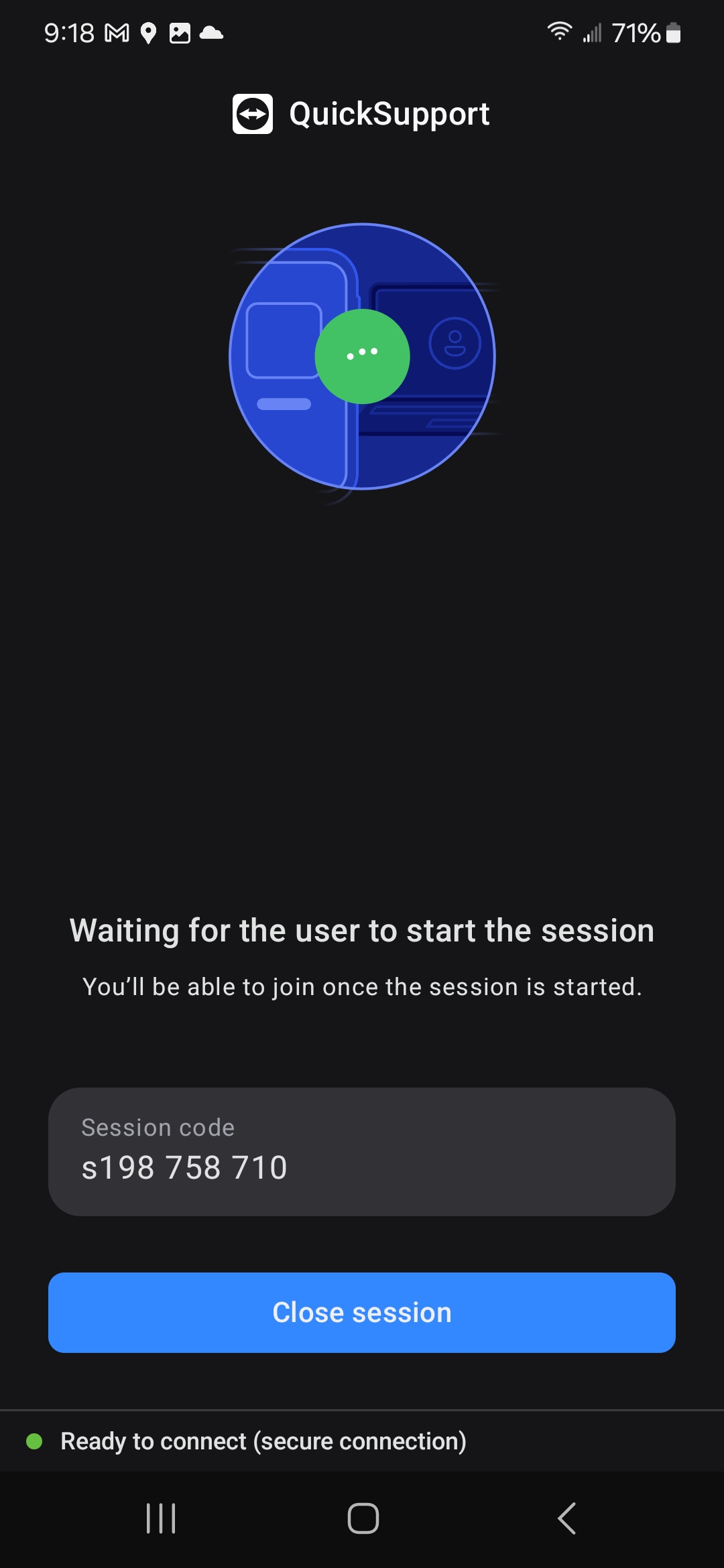
Wait for the technician to start the session
Step 15
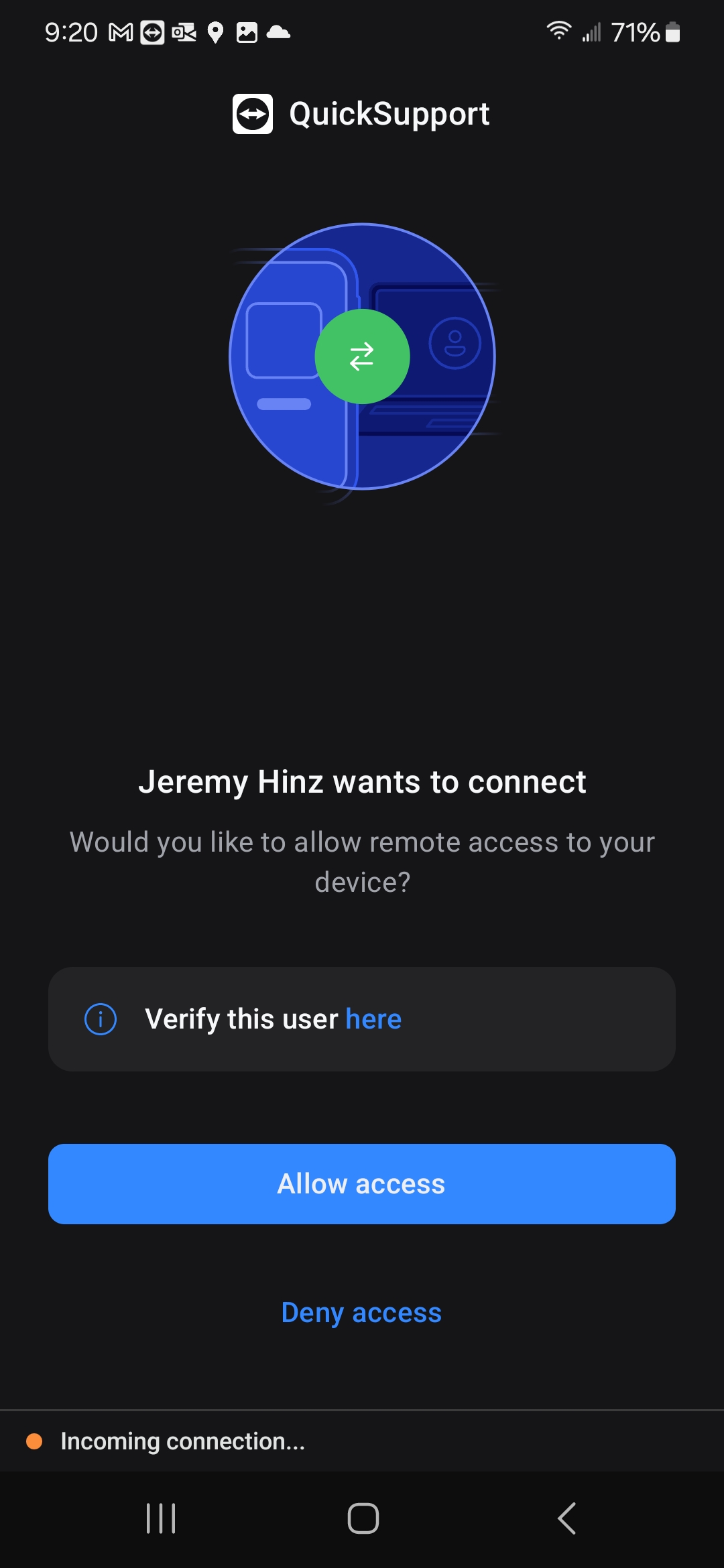
Press "Allow access"
Step 16
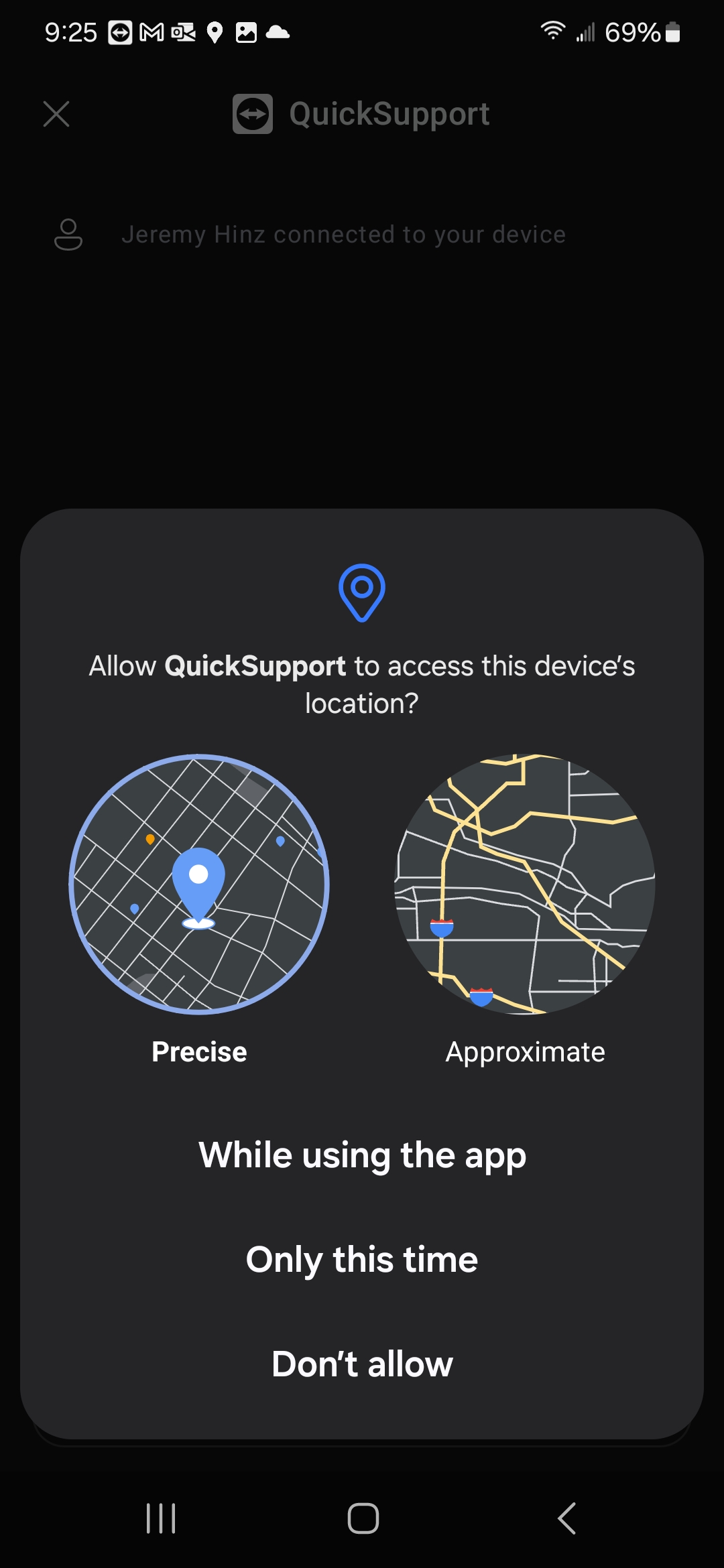
Press "Only this time"
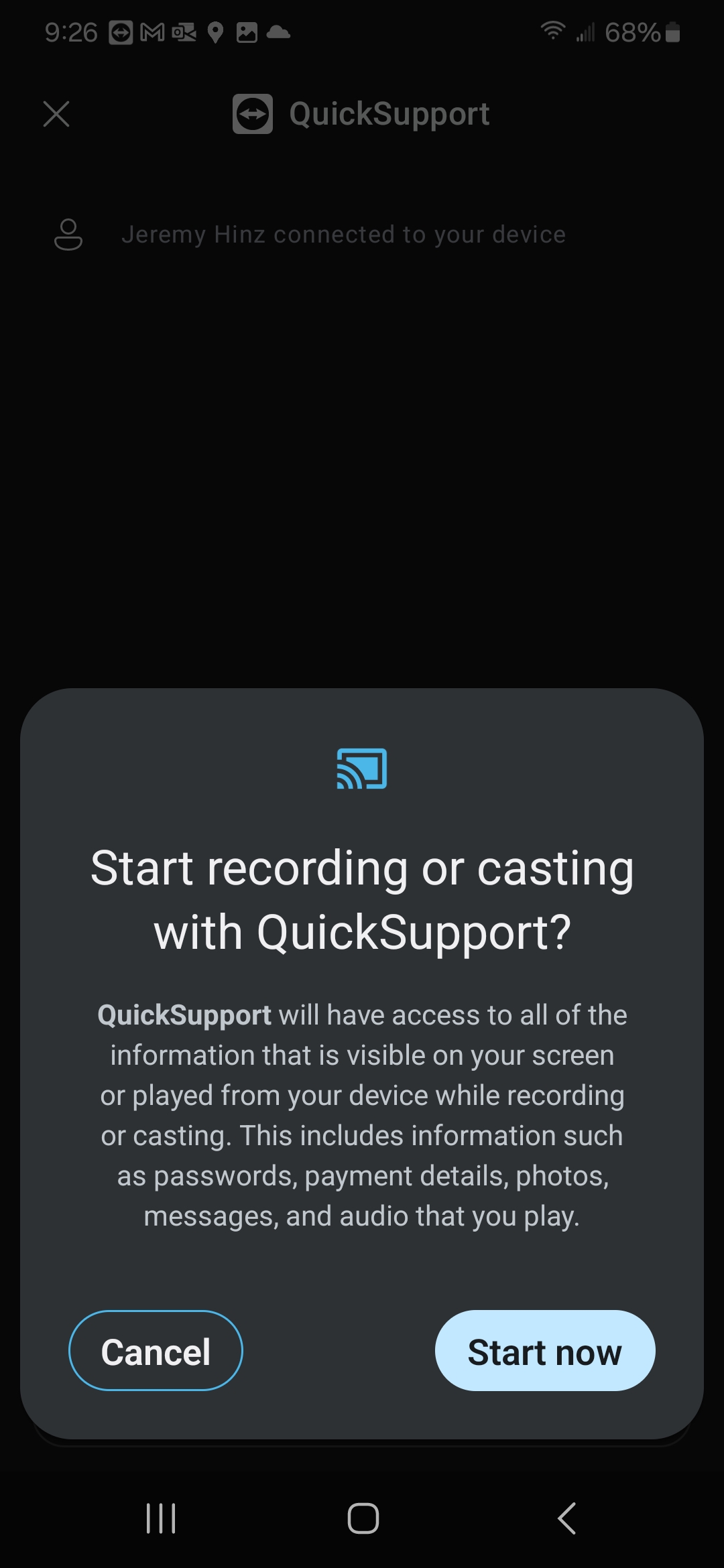
Step 17
Press "Start now"
Step 18
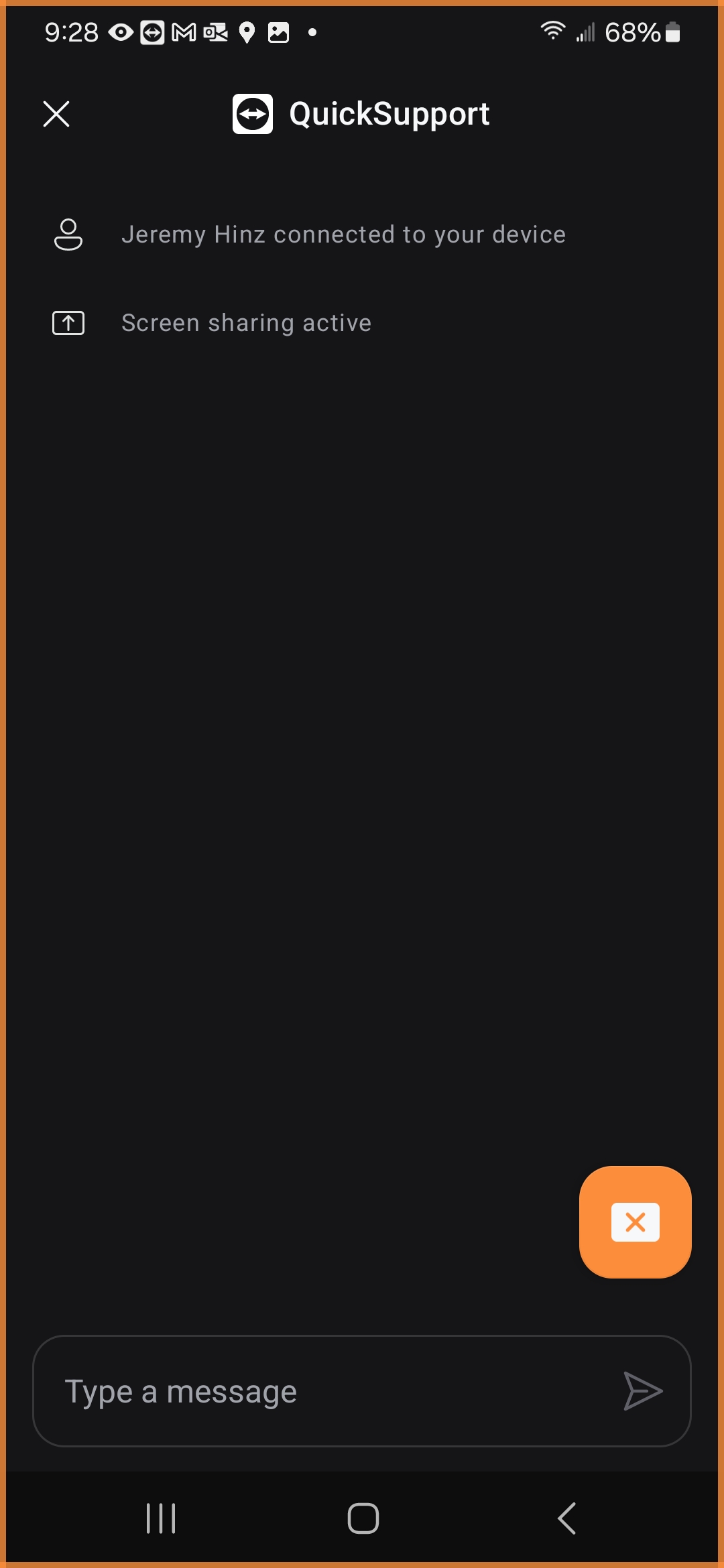
Success! The technician is now connected to your phone
you should see an orange outline on the phone.
To end your session click the orange box with an X.